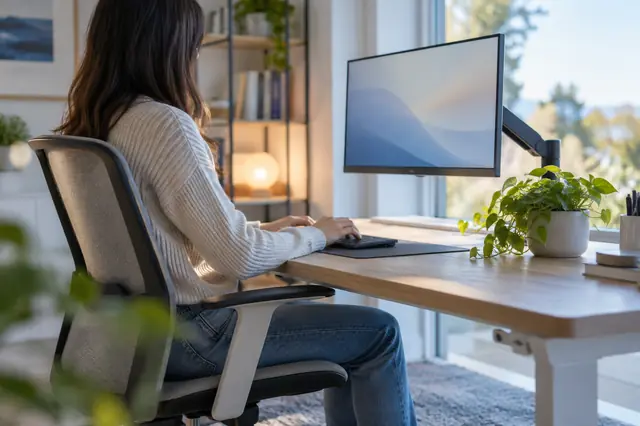
Screen glare and brightness: setting up light at your desk
Reflections and a screen brighter than the room tire the eyes. Simple layout and brightness changes that workplace and eye care bodies suggest.
New articles by email
One email a week.
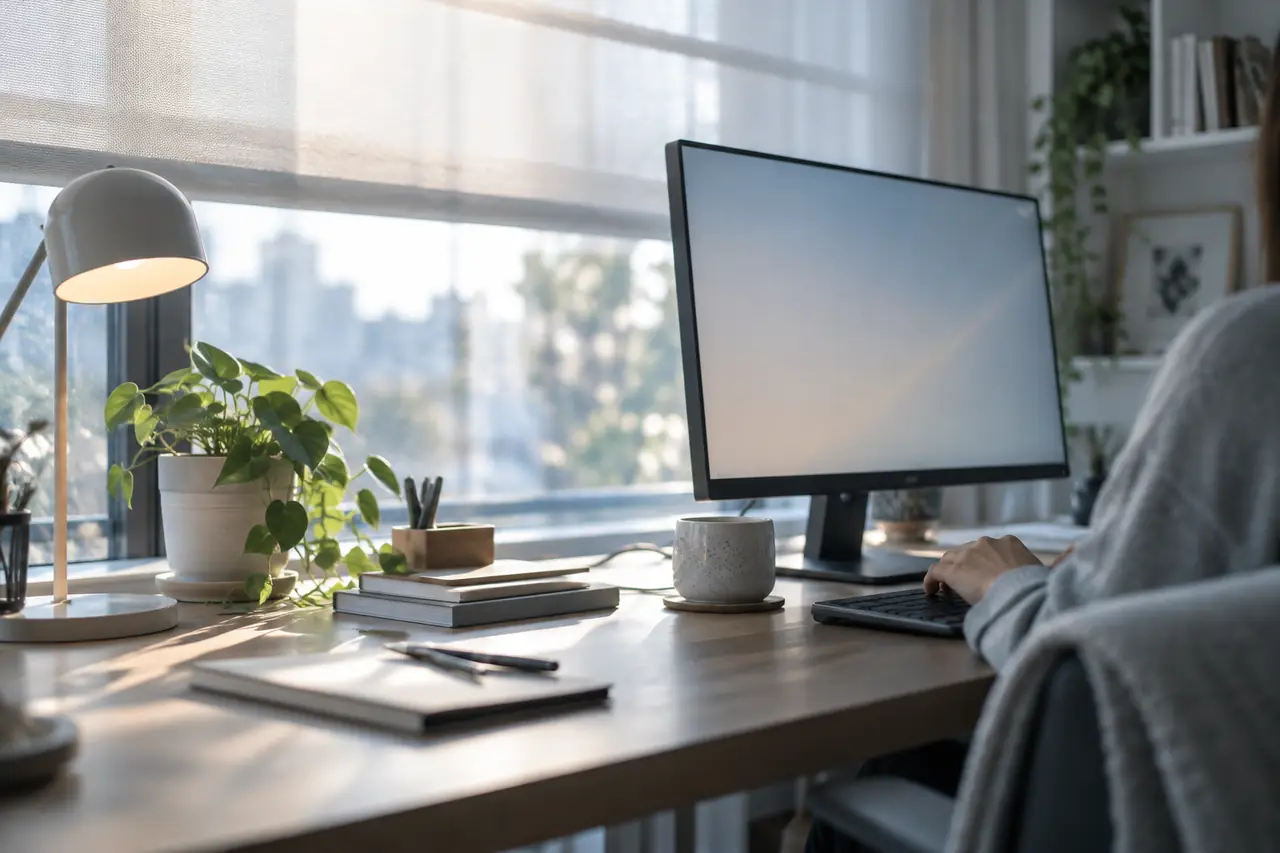
Glare is the reflection of a window or light on your screen, or a bright light shining into your eyes while you work. It forces you to read through a haze, and many people find it one of the quickest routes to tired eyes by the afternoon.
Most of the fixes are free: where the desk sits, which way the screen faces, and a couple of settings.
Using your phone in the dark covers the opposite problem, a bright screen in a dark room, and what helps with screen eye strain puts light next to the other habits.
Check for glare in ten seconds
Turn your screen off and look at the black glass from your normal seat. Anything you can see reflected in it, such as a window, a ceiling light or a bright wall, is also reflecting on top of your work when the screen is on. Fix the biggest reflection first.
Windows
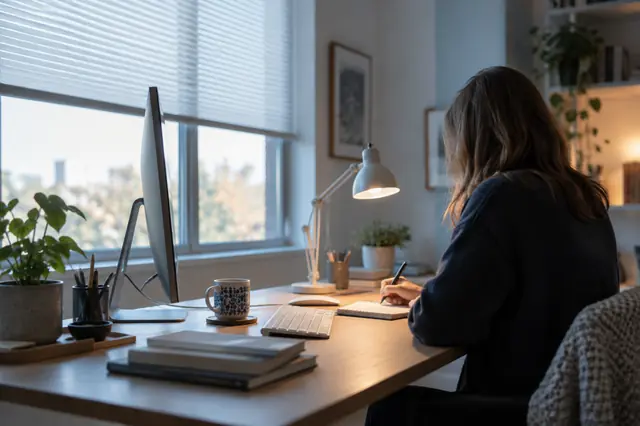
- Turn the screen side-on. OSHA suggests placing the screen at right angles to windows. A window directly behind the screen puts bright light in your eyes; a window behind you puts it on the screen.
- Use blinds or curtains. OSHA recommends blinds or drapes to keep bright light out of your field of view, adjusting them through the day as the sun moves.
Overhead lights and lamps
- Avoid sitting directly under a bright light. The American Optometric Association (AOA) suggests positioning the screen away from overhead lights and windows.
- Tilt the screen slightly. OSHA notes that tilting the monitor a little can move a ceiling light's reflection out of view. Tilting it too far back can make it worse, so adjust while you look.
- Aim desk lamps at your papers. OSHA suggests task lamps for reading and writing, with shades, placed so they don't reflect on the screen.
- Prefer even light. OSHA describes well-distributed, diffuse light as better than a few very bright spots, and matte, medium-coloured walls as reflecting less.
Screen brightness and contrast
The American Academy of Ophthalmology (AAO) suggests matching screen brightness to the light around you and increasing contrast. A screen much brighter than its surroundings, or much dimmer, makes the eyes work harder.
- Hold up white paperPut a plain sheet next to the screen with a white page open.
- CompareIf the screen glows next to the paper, turn it down. If it looks grey, turn it up.
- Recheck laterDaylight changes. Many screens can adjust automatically.
Mayo Clinic also suggests enlarging text and adjusting brightness and contrast to a level that feels comfortable. Our post on dark mode and your eyes covers light and dark themes.
Clean screens and matte filters
OSHA notes that a layer of dust on the screen can add to glare, so wipe it clean regularly. If you can't move the desk or control the light, both the AAO and AOA mention a matte or anti-glare screen filter. OSHA adds that a filter shouldn't make the screen noticeably harder to read.
Air as well as light
While you're adjusting your space, check the air. OSHA advises against placing desks directly under air conditioning vents, and notes that dry air can dry the eyes, especially for contact lens wearers. Moving your chair out of a draught is often the simplest change. See dry eyes at work.
A quick checklist
- No window directly behind the screen or behind you
- Blinds adjusted for the time of day
- No bright reflection visible on the screen when it's off
- Desk lamp lights the papers, not the screen
- Screen brightness matches the room
- Screen wiped clean
- No vent or fan blowing at your face
Light is one part of a comfortable setup. Distance and height are the other. See how far your monitor should be from your eyes, or enter your screen size in the free monitor distance and height calculator.
When to see someone
If your eyes still feel strained, sore or sensitive to light after these changes, book an eye test. Glare sensitivity that's new or getting worse is worth mentioning, as is blurry vision that doesn't clear when you rest your eyes. Our page on light sensitivity has more.
Read more by topic
Common questions
How do I reduce glare on my computer screen?
OSHA suggests placing the screen at right angles to windows, using blinds, aiming desk lamps at your papers instead of the screen, tilting the screen slightly and keeping it clean. A matte filter is an option if you can't move the desk.
How bright should my screen be?
About as bright as the room around it. The American Academy of Ophthalmology suggests matching brightness to the surroundings and increasing contrast. Holding a sheet of white paper next to a white page on screen is a quick way to compare.
Where should a desk lamp go?
OSHA suggests task lamps with shades for reading and writing, placed so their light doesn't reflect on the screen.
Sources
End of article