


Product reviews
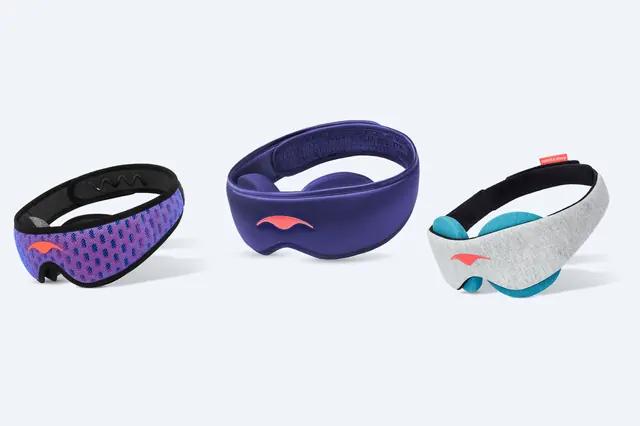
Manta Sleep Mask review: we tried the PRO, SILK and COOL
An honest, hands-on Manta Sleep Mask review. We slept in the PRO, SILK and COOL: how each fits, blocks light and feels for side sleepers, and which to buy.
8 min read
Free in your browser
More
Plus gamesPlusTurning E, Faint E, Track and spotFor gamersReaction, aim and tracking rounds with a Start Lights game on the pageFor sportsShort reaction and tracking rounds for a warm-up.For screen workScreen breaks, a focus timer and an eye journal.Screen breaksA break timer, a far view and calm one-minute gamesPrograms7, 30 and 90-day programs. The 7-day ones are free.All gamesEvery free game in one placeSee the gamesFree in your browser
Latest articles
An honest, hands-on Manta Sleep Mask review. We slept in the PRO, SILK and COOL: how each fits, blocks light and feels for side sleepers, and which to buy.
Rub and rinse the case with fresh solution, never water, dry it and leave it upside down with the caps off. Replace it at least every three months.
Mostly, you get better at the games. A large 2016 review found little evidence the gains carry over to work, school or everyday memory.
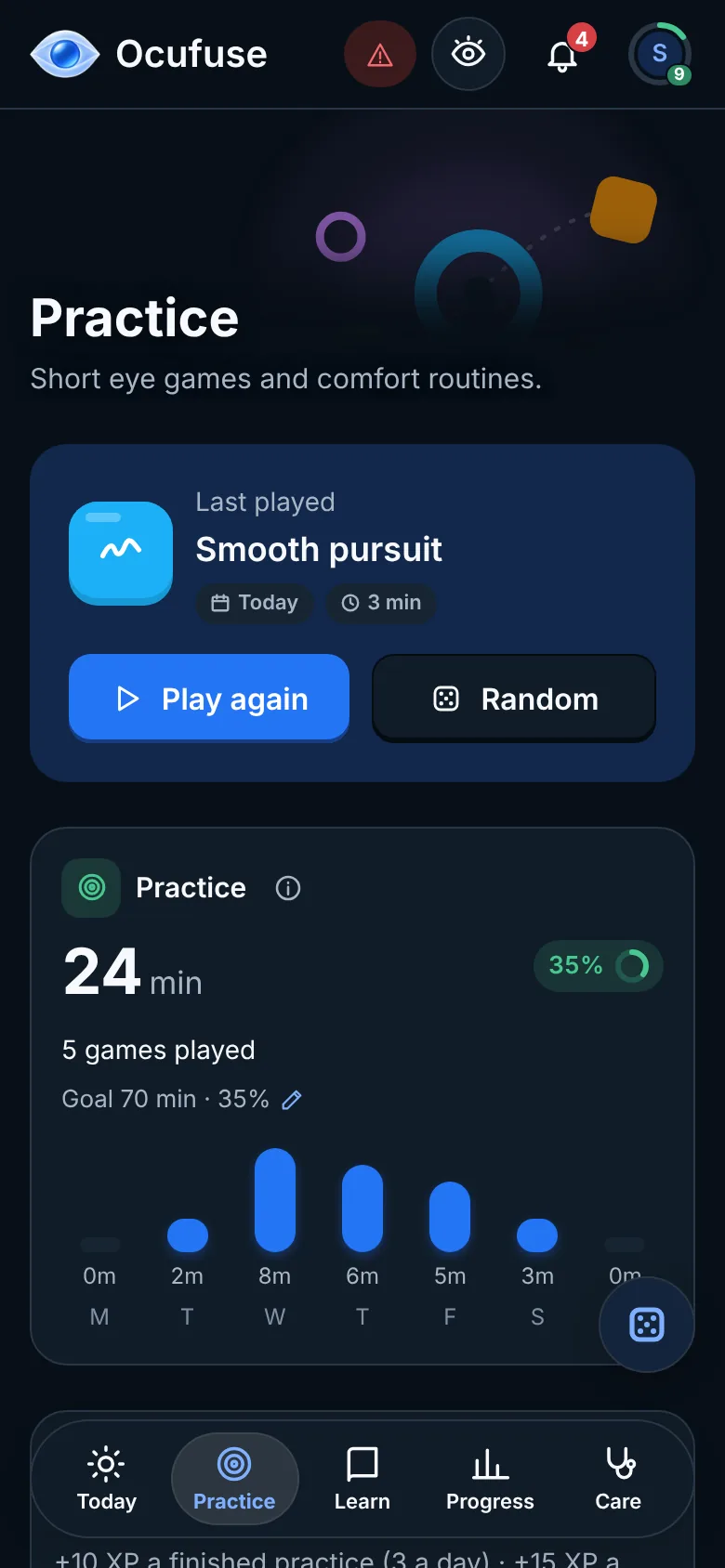
One-minute reaction, focus and calm games for screen breaks, right in your browser. Then note how your eyes feel and share your history with your doctor.
Free to start. No card needed.

Ready when you are.
Find the one tile with a different shade, 10 rounds
Mouse, touch or keyboard. About 20 seconds. Just for fun, not a test.
Explore
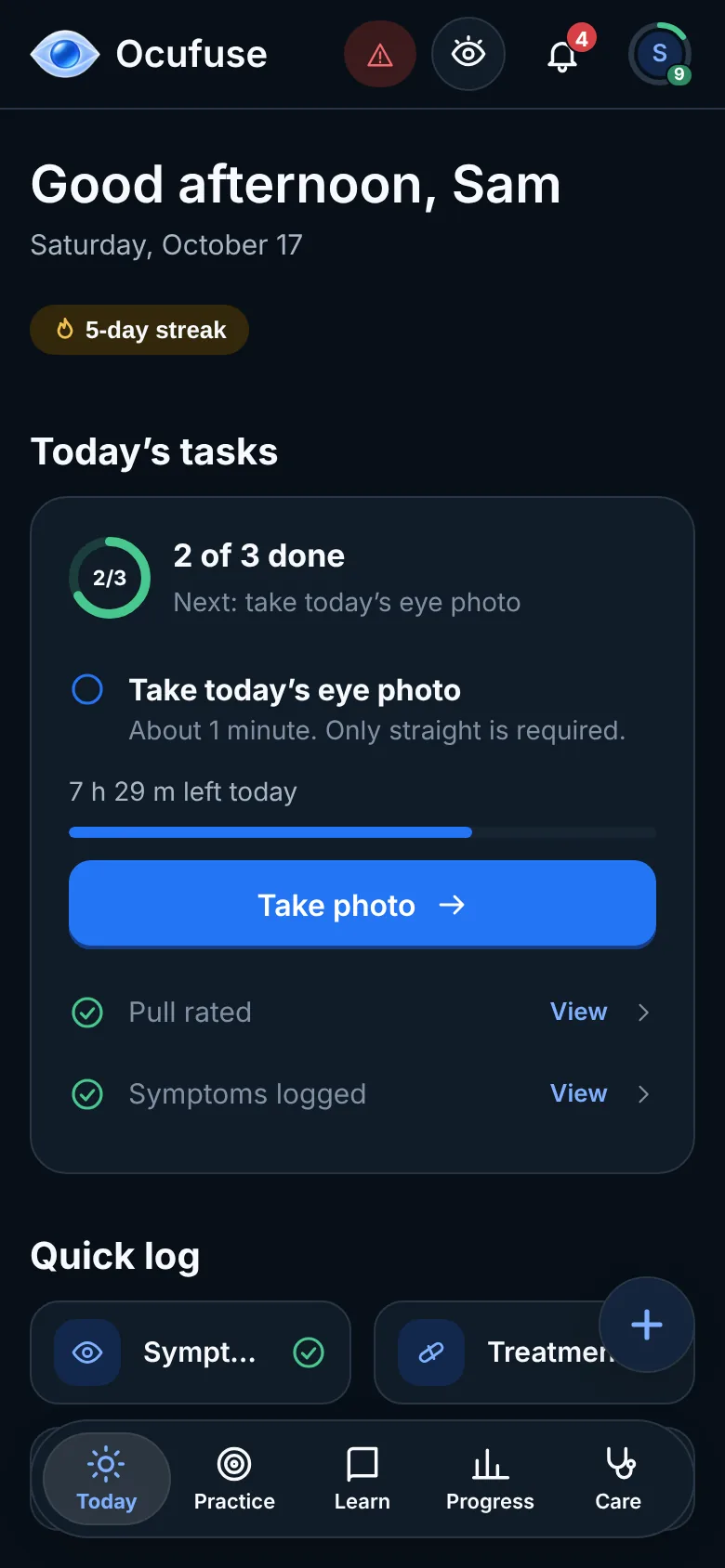
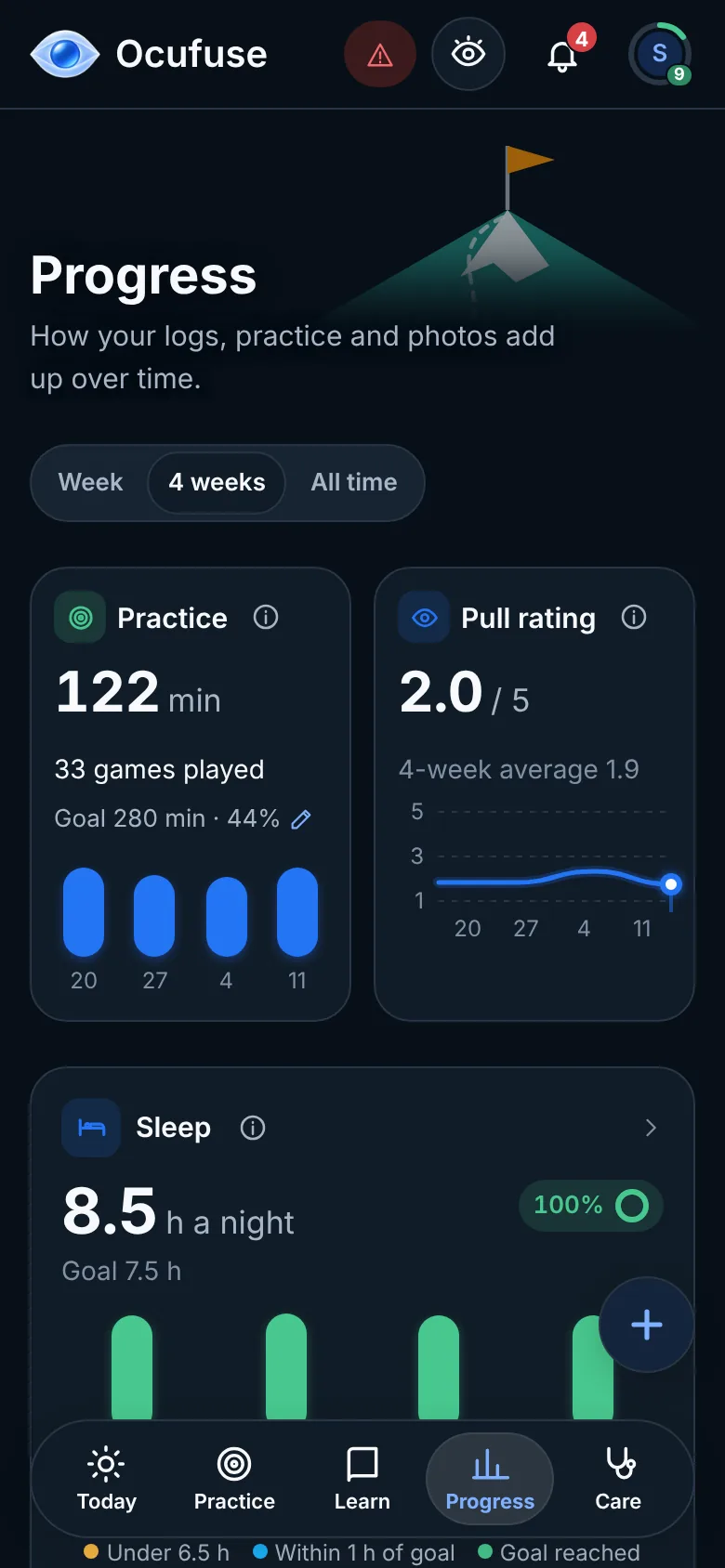
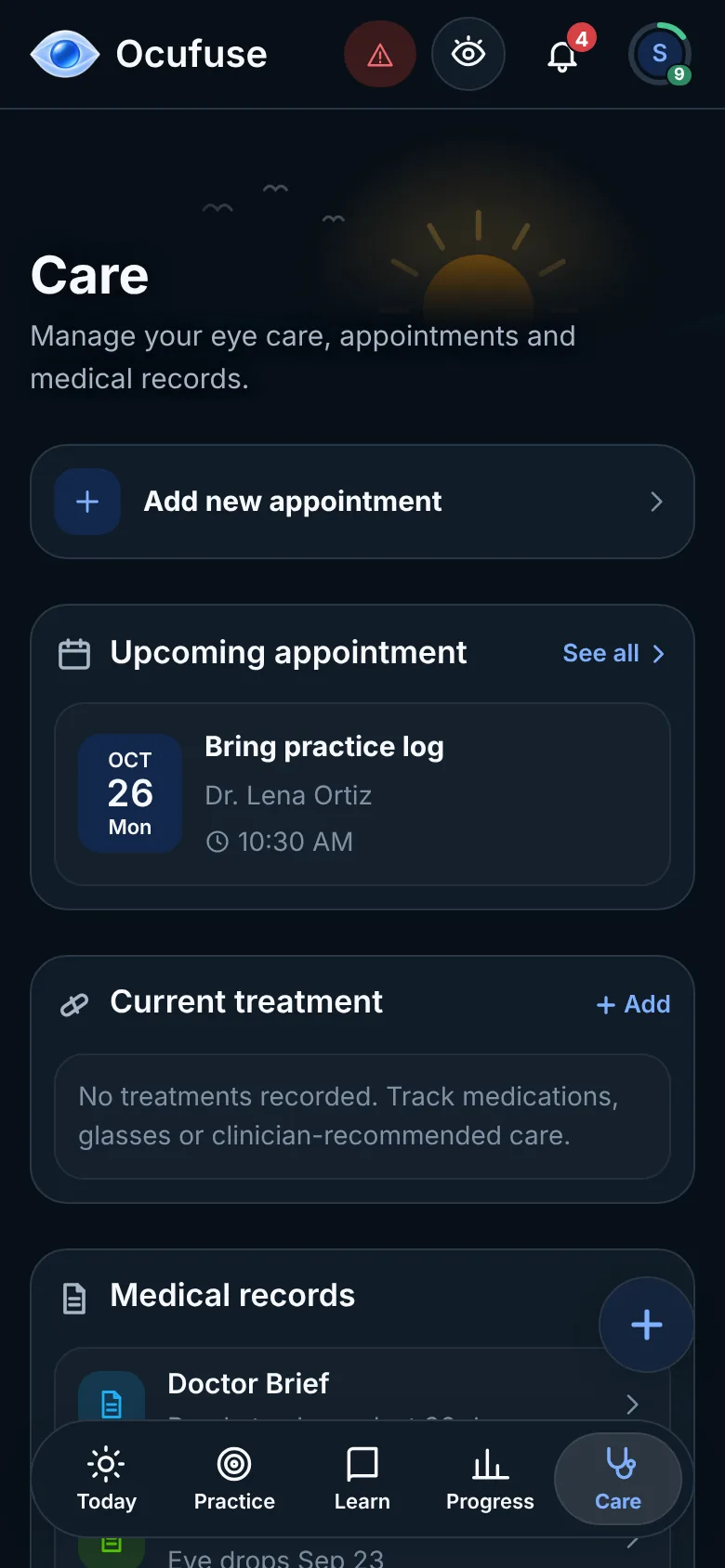
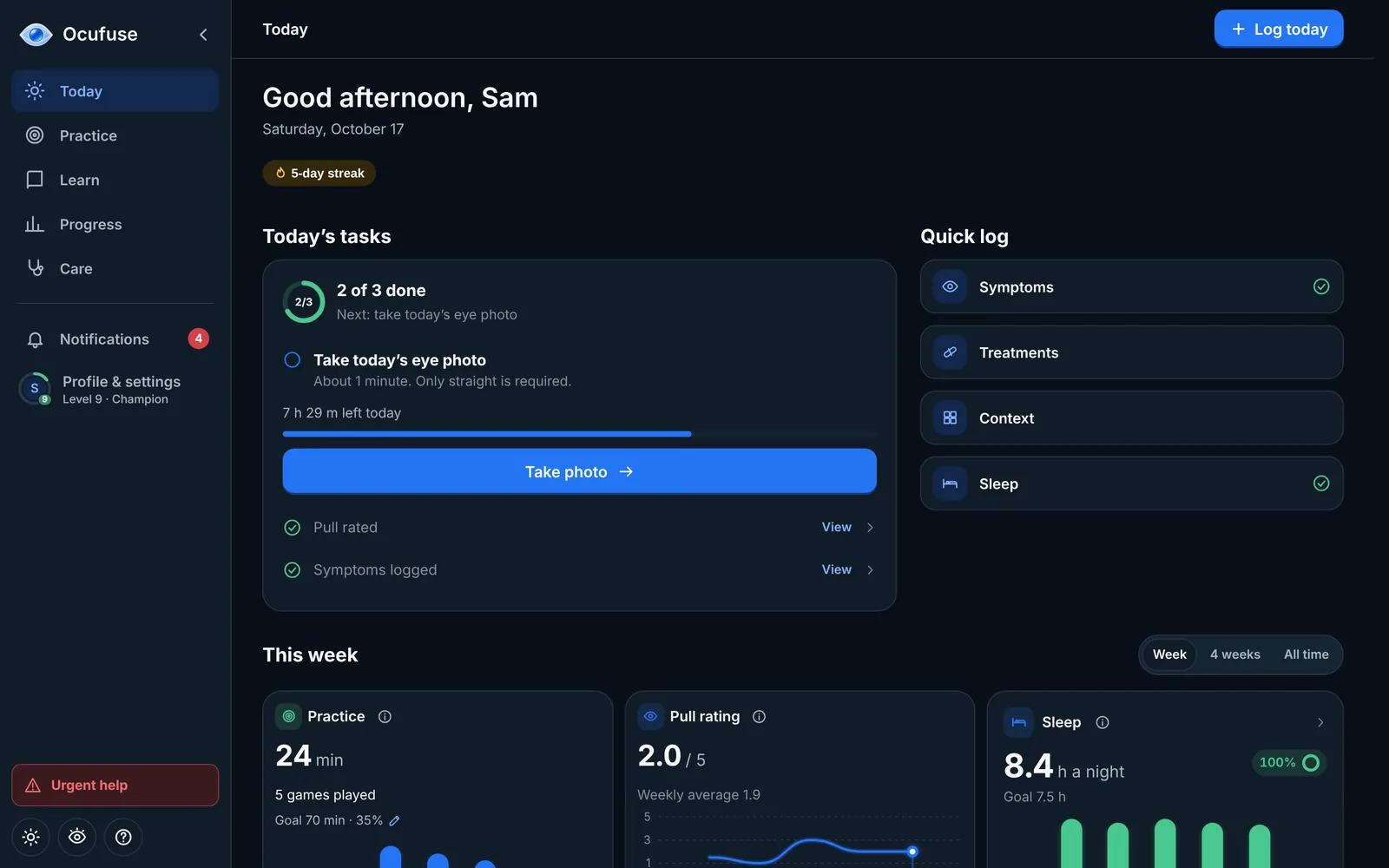
A calm place for how your eyes feel, your eye photos and your questions, ready for your next appointment.
Free to start
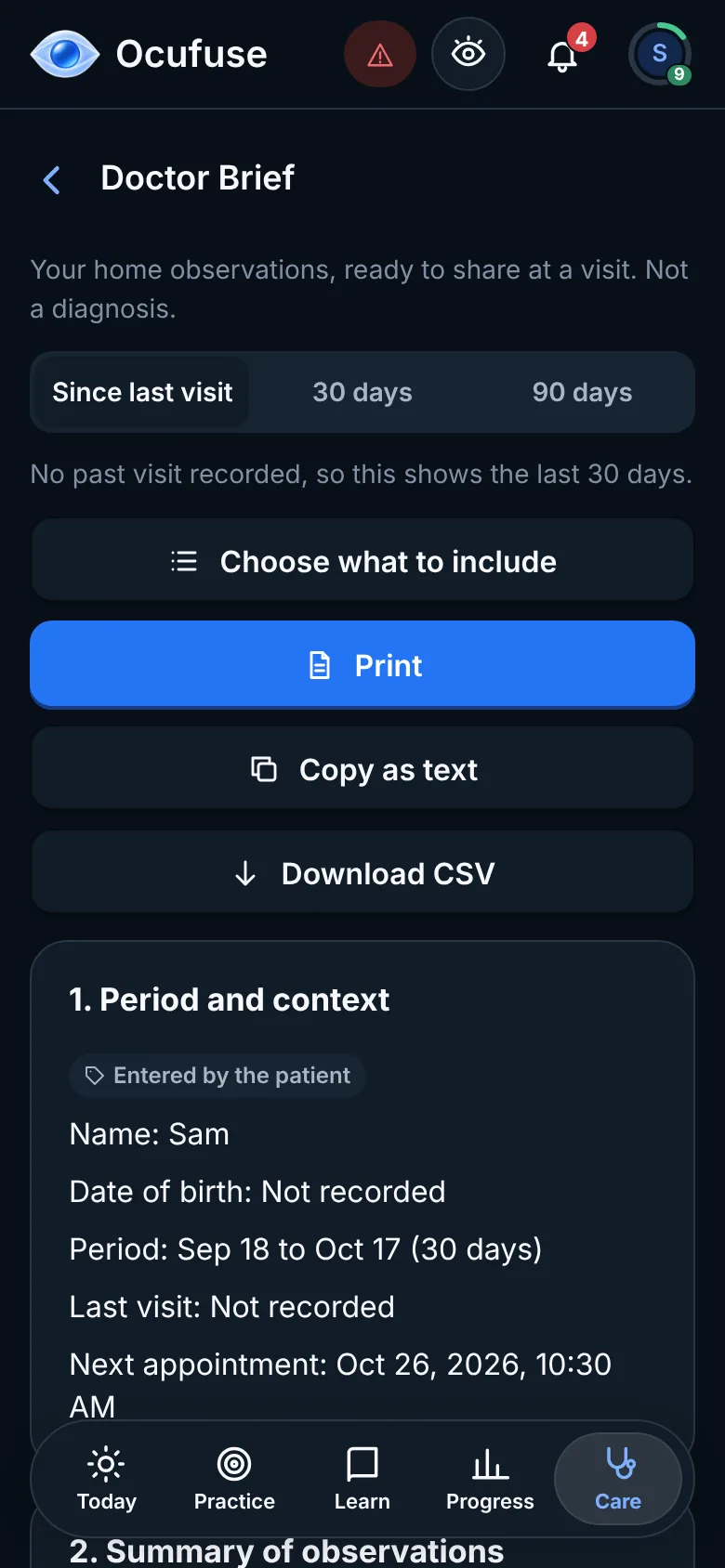
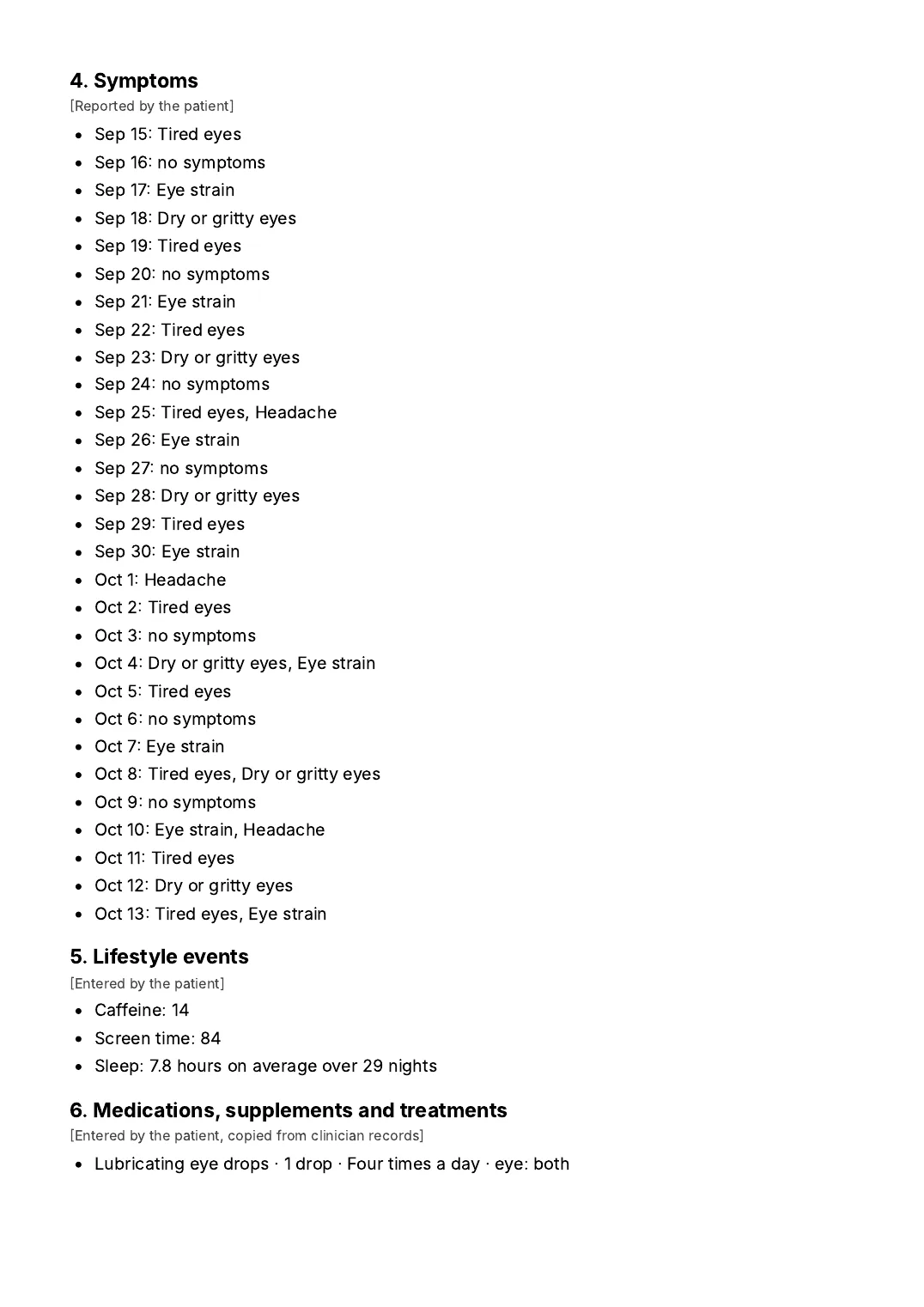
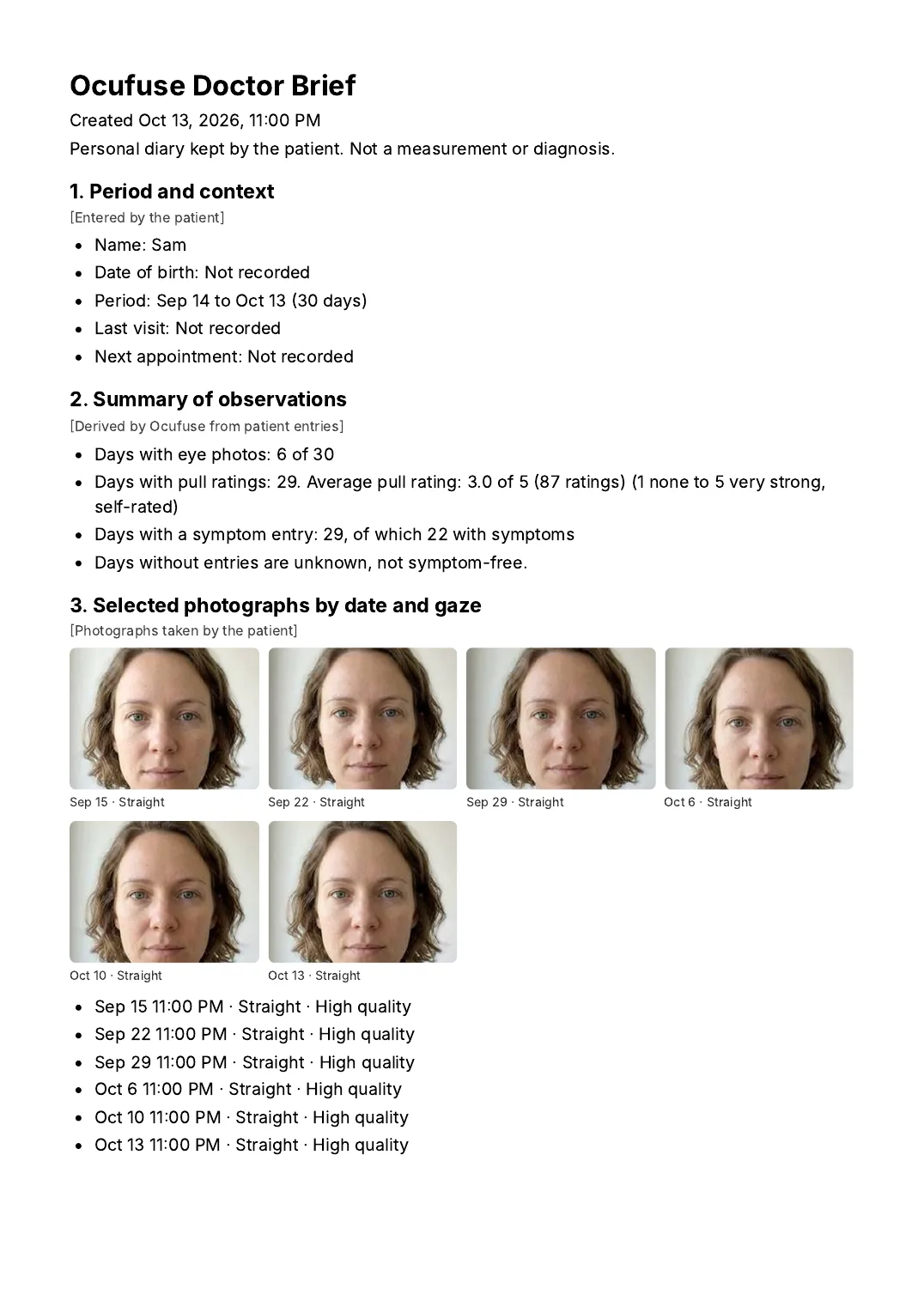
Bring a dated summary of your symptoms, photos and notes to your next appointment.
Doctor Brief is included with Ocufuse Plus.
Ocufuse Plus opens every game in the app, in 7 categories, and all 6 programs. $10.99 a month, or $64.99 a year.
Counted from the app's Eye games tab. 3 more games sit in its Kids category. A free account has 10 of the 45 games and every routine.
A program is a routine you follow: one short session a day, ticked off in the app. Missed days do not reset progress. The 7-day programs are free; 30 and 90 days come with Plus.
Short breaks from the screen: the 20-20-20 break, blink breaks, posture moves and a few things to try away from the desk.
7 daysFree
About 3 minutes a day
A different short break each day, then a two-minute walk on day 7.
+50 XP toward your level when you finish
30 daysPlus
About 3 minutes a day
Four weeks: breaks, posture, screen setup and evenings, then your own mix.
+150 XP toward your level when you finish
90 daysPlus
About 3 minutes a day
The first month, then two routines a session, then your own routine at your own time.
+400 XP toward your level when you finish
One visual game a day, a different kind each week: following, searching, quick reactions and puzzles.
7 daysFree
About 2 minutes a day
One free game a day: following, searching, quick reactions and remembering.
+50 XP toward your level when you finish
30 daysPlus
About 2 minutes a day
A new kind of game each week, 27 different games in all.
+150 XP toward your level when you finish
90 daysPlus
About 2 minutes a day
The first month, then two games a day, then your favourites and something new. 34 games in all.
+400 XP toward your level when you finish
Start free. Upgrade for every game, your full history and the Doctor Brief.
Daily journal, eye photos and 10 games.
$0forever
All 45 games, your full history and the Doctor Brief.
$5.42/month
Billed $64.99 yearly
Everything in Plus
Pay once and keep Plus, with every future Plus feature. The promo code does not apply.
$159.99once
7-day free trial for first-time subscribers, then $64.99 a year. A card is needed to start. Renews automatically each year until you cancel. Cancel anytime in Settings, or before the trial ends to pay nothing. Prices in US dollars, plus tax where applicable.
See the full comparisonThe star rating comes from 100 reviews. The quotes are 10 written reviews people agreed to share, word for word.
Really like having my eye wellness notes in one place. Much easier than trying to find everything in my camera roll.
The layout is clean and doesnt feel overwhelming. Took me a little while to explore everything, but navigation feels straightforward.
My favourite part is comparing photos. Having them organised makes it easier to remember what I wanted to discuss at my next appointment.
I usually forget to keep notes, so having somewhere simple to put them helps alot. Happy with it so far.
Came for the tracking tools and ended up spending time reading the articles too. Nice to have both together.
Small thing, but I appreciate how readable everything is. Clear buttons, decent spacing and no digging through endless menus.
Still exploring it but the daily check in is easy enough to stick with. I like that it feels manageable.
Was keeping everything in random phone notes before. This feels much more organised, especially when I want to look back.
The educational activities make it a bit more engaging. Definately appreciate having something interactive alongside the reading.
Simple and thoughtfully designed. Being able to keep my photos and observations together is the part I find most useful.
4.9 out of 5 from 100 reviewsStart my free journal
FAQ
Ocufuse is a personal eye journal for symptoms, photos and appointment prep, with eye games for screen breaks. Free to start.
Yes. Pick a game and start playing. Several browser games start straight away, with no account and no download.
No. Ocufuse runs in your browser on a laptop, tablet or phone. You can add it to your home screen so it opens like an app.
Yes, that's where most people start. Take a two-minute game or a 20-20-20 break between work sessions and note how your eyes felt. If something changes later, you already have a record to show.
Visits are short and symptoms come and go. Ocufuse keeps a dated log, photos and practice history between visits, then turns it into a short summary you can show. Your doctor sees the days they couldn't see in the room.
There's nothing to set up. A check-in is a few taps, the games are short enough for a coffee break, and reminders are optional.
Free to start. No card needed.