Glasses and contactsNew
How to clean a contact lens case and when to replace it
Rub and rinse the case with fresh solution, never water, dry it and leave it upside down with the caps off. Replace it at least every three months.
5 min read
Free in your browser
More
Plus gamesPlusTurning E, Faint E, Track and spotFor gamersReaction, aim and tracking rounds with a Start Lights game on the pageFor sportsShort reaction and tracking rounds for a warm-up.For screen workScreen breaks, a focus timer and an eye journal.Screen breaksA break timer, a far view and calm one-minute gamesPrograms7, 30 and 90-day programs. The 7-day ones are free.All gamesEvery free game in one placeSee the gamesFree in your browser
Latest articles
Rub and rinse the case with fresh solution, never water, dry it and leave it upside down with the caps off. Replace it at least every three months.
Mostly, you get better at the games. A large 2016 review found little evidence the gains carry over to work, school or everyday memory.
It can be. Short breaks raise energy, and one study found a 5-minute casual game lifted mood. A game is still a screen, so add a look into the distance.
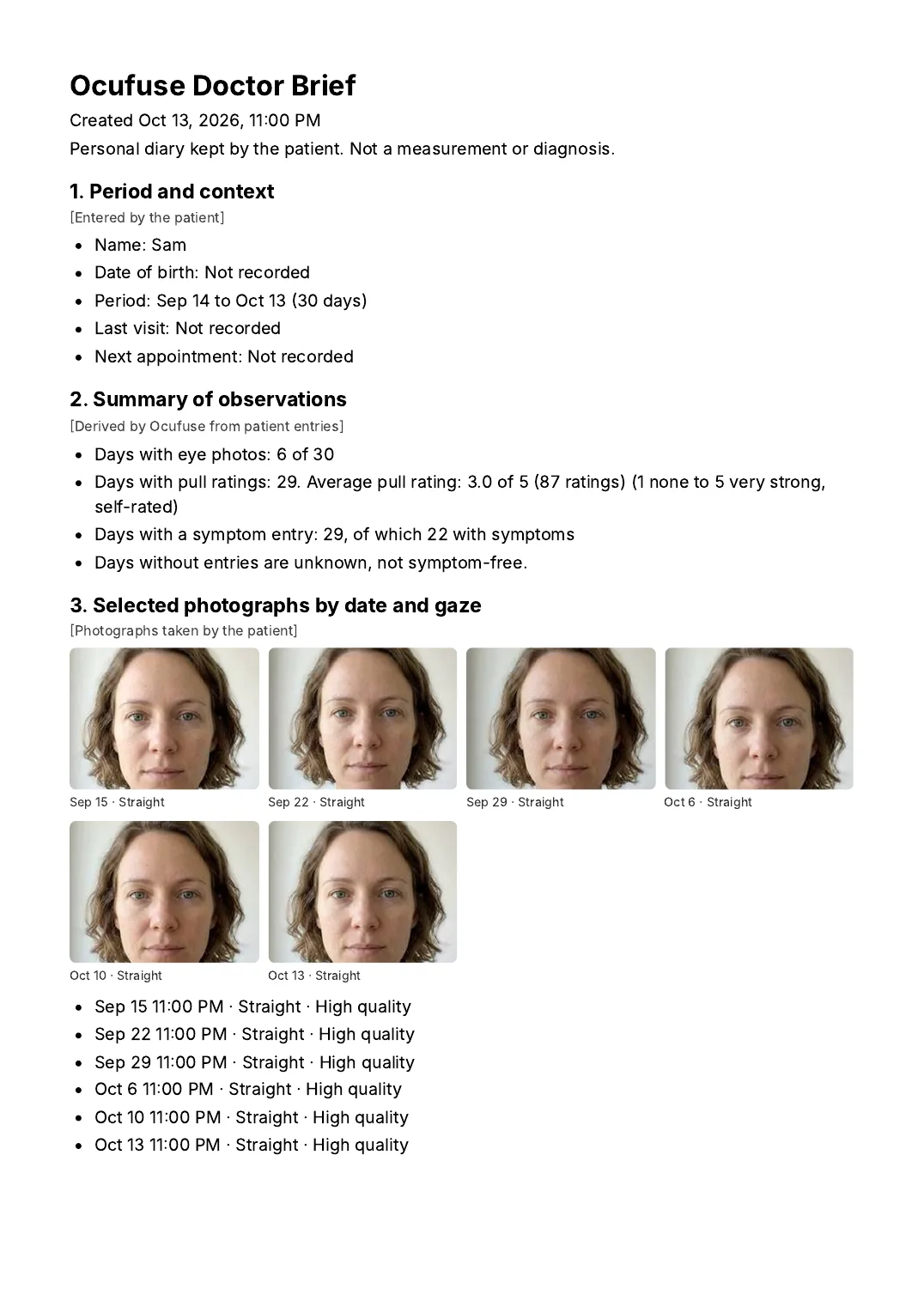
A 20-20-20 break reminder, a focus timer, calm one-minute games and a journal for how your eyes feel, ready to show your eye doctor.
Free to start. No card needed.

15 games in Calm and Visual search. 5 play free right here in your browser, 1 are free in the app with an account and 9 come with Plus.
No pressure and no clock. One has you looking around the room. All calm games
Find the letter, number, shade or symbol hidden among the others. All visual search games
Ocufuse games are for fun and screen breaks. They are not a vision test and do not diagnose or treat any condition. See an eye care professional for any concerns.
For office days, remote work and study sessions.
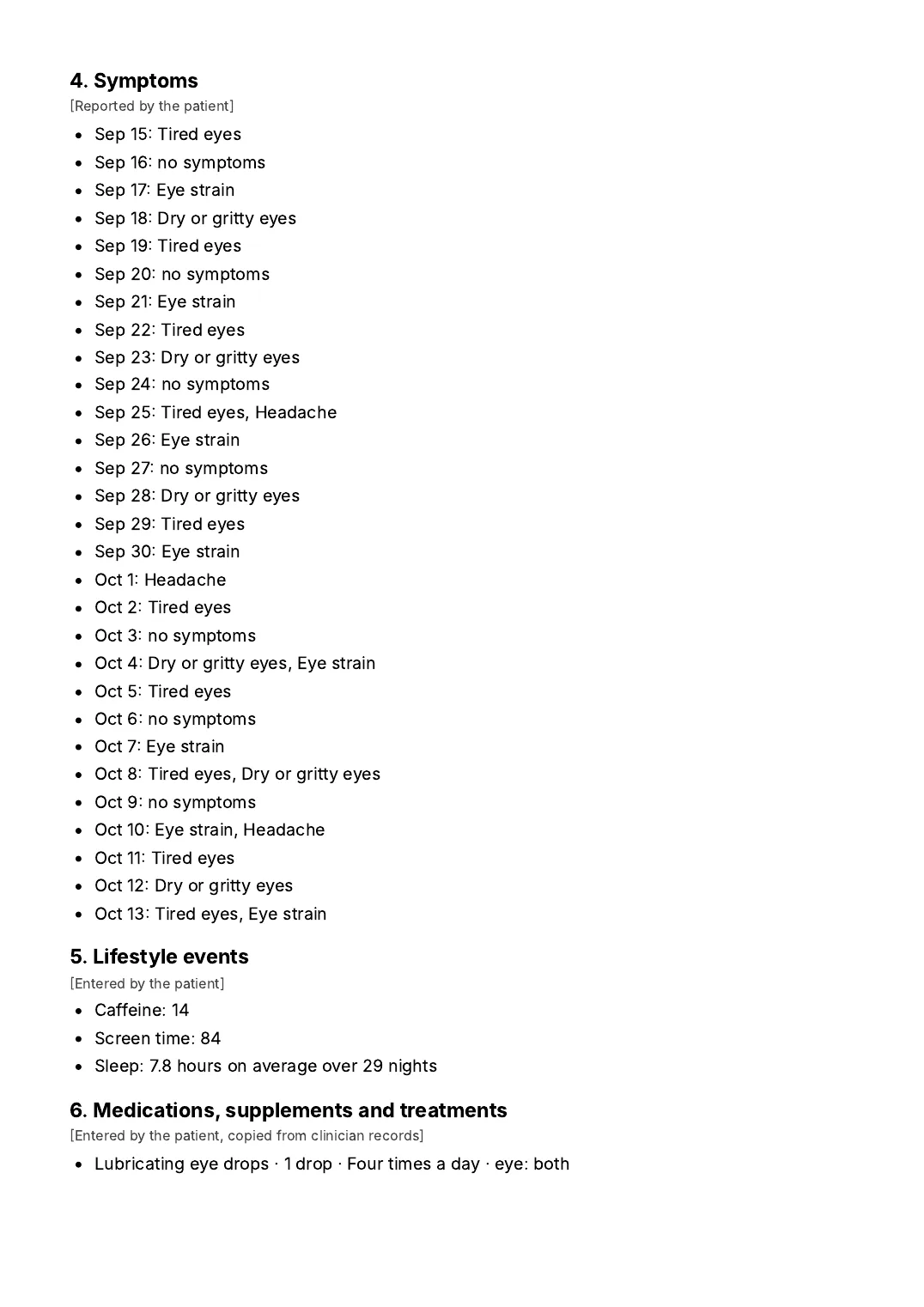
A calm place for how your eyes feel, your eye photos and your questions, ready for your next appointment.
Free to start
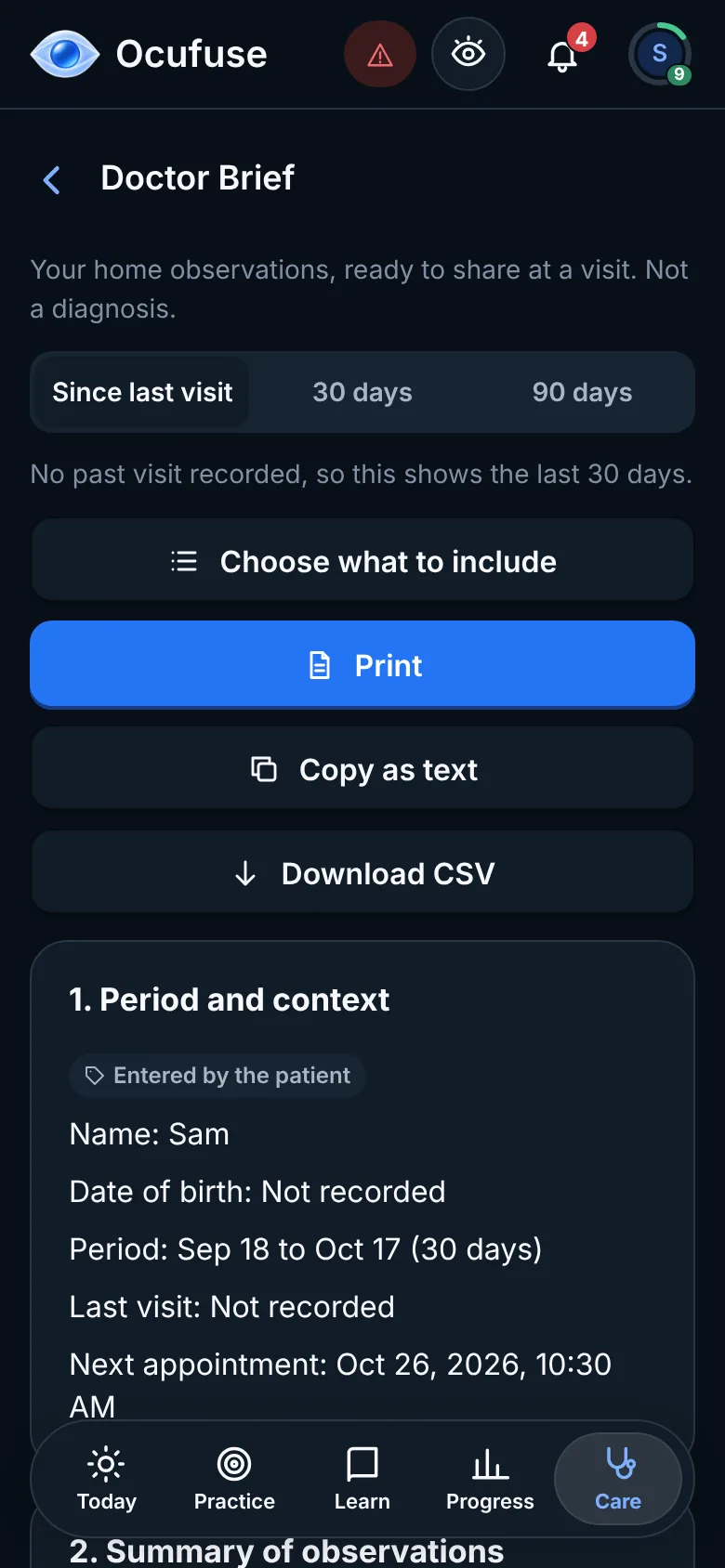
Bring a dated summary of your symptoms, photos and notes to your next appointment.
Doctor Brief is included with Ocufuse Plus.
One account opens all 7 categories. Pick a category to see its games.
Short and often beats long and rare. What workplace and eye care guidance says about screen breaks, with an example hour.
Swapping a laptop for a phone isn't much of a break. Simple things to do in 20 seconds, 5 minutes or 15 minutes away from the screen.
Air conditioning, screens and long meetings can leave eyes dry and gritty by the afternoon. Practical changes to your workspace and routine, and when dryness needs a professional.
Yes. There is one Ocufuse app and one account. When you sign up from this page you can pick what to see first, so screen breaks, calm games and the journal come up first. Every game, routine and journal feature stays available, and you can change what comes first at any time.
Yes. Ocufuse runs in the browser, so there is nothing to install. Keep it in a tab next to your work, and sign in on your phone with the same account.
No, and we won't pretend it will. Ocufuse helps you take breaks and keep a dated record of how your eyes feel. For eye discomfort that doesn't go away, see an eye care professional.
It's tied to your account, and only you can see it when you're signed in. We don't sell it, use it for advertising or use it to train AI. You can export or delete everything from Settings, anytime.
The journal, eye photos, the break routines, every posture routine, 10 of the 45 visual games and a free 7-day break program. Plus adds the focus timer, the Doctor Brief, your full history and every game.
Free to start. No card needed.