Eye twitching that won't stop: what to note before you see a doctor
A twitching eyelid is common and usually settles on its own. What tends to set it off, what to write down, and when it is worth getting checked.
The iPhone app is on its way.
Get notifiedYour personal eye health companion
Play two-minute eye games, track symptoms, and see how your eyes change over time. Turn daily check-ins into useful insights and a clear history you can share with your doctor.
You can log tired eyes, eye strain, dry eyes, blurry vision, headaches, double vision, light sensitivity and more.
Picked for a two-minute screen break. Play in your browser, no download, just your email.
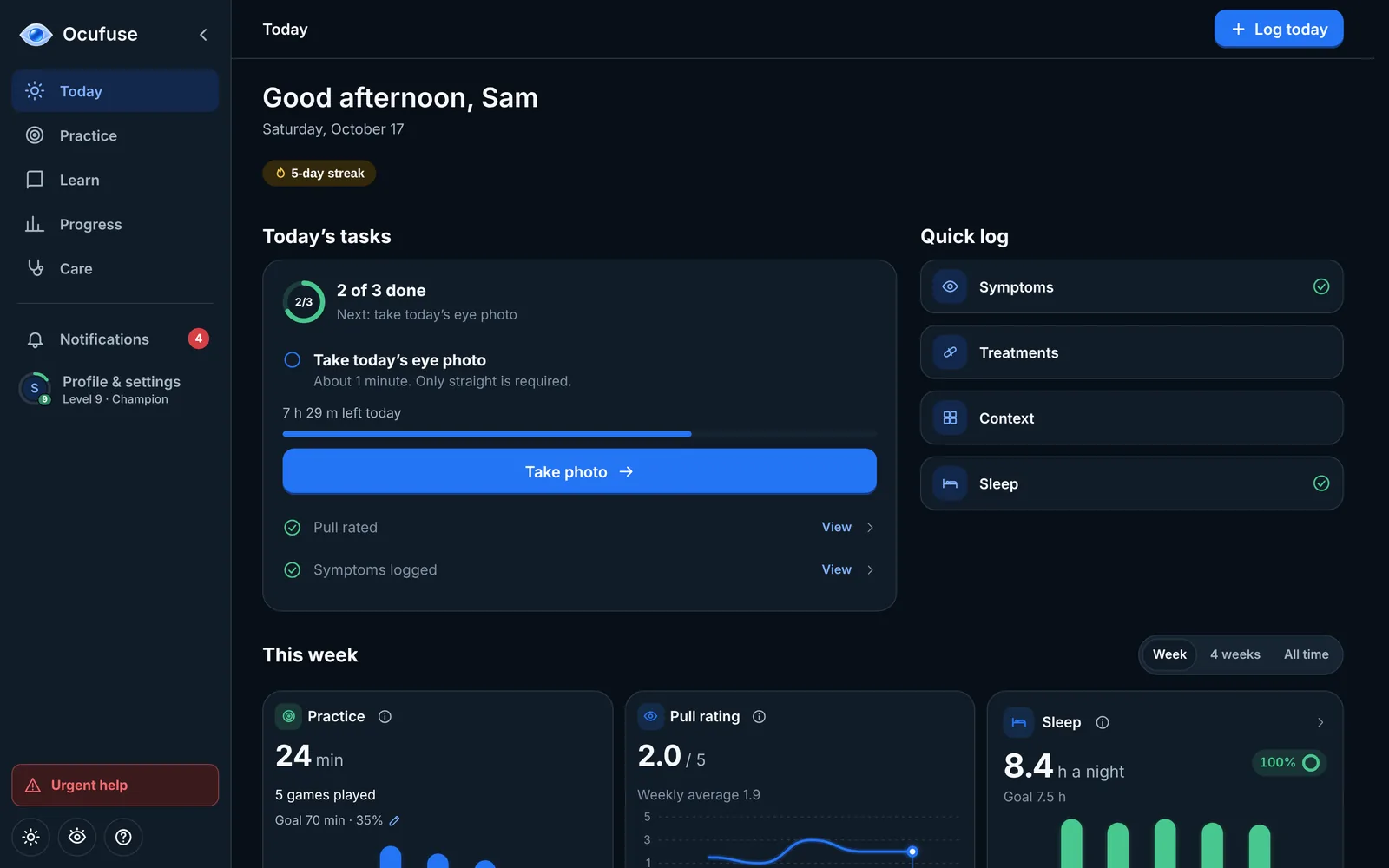
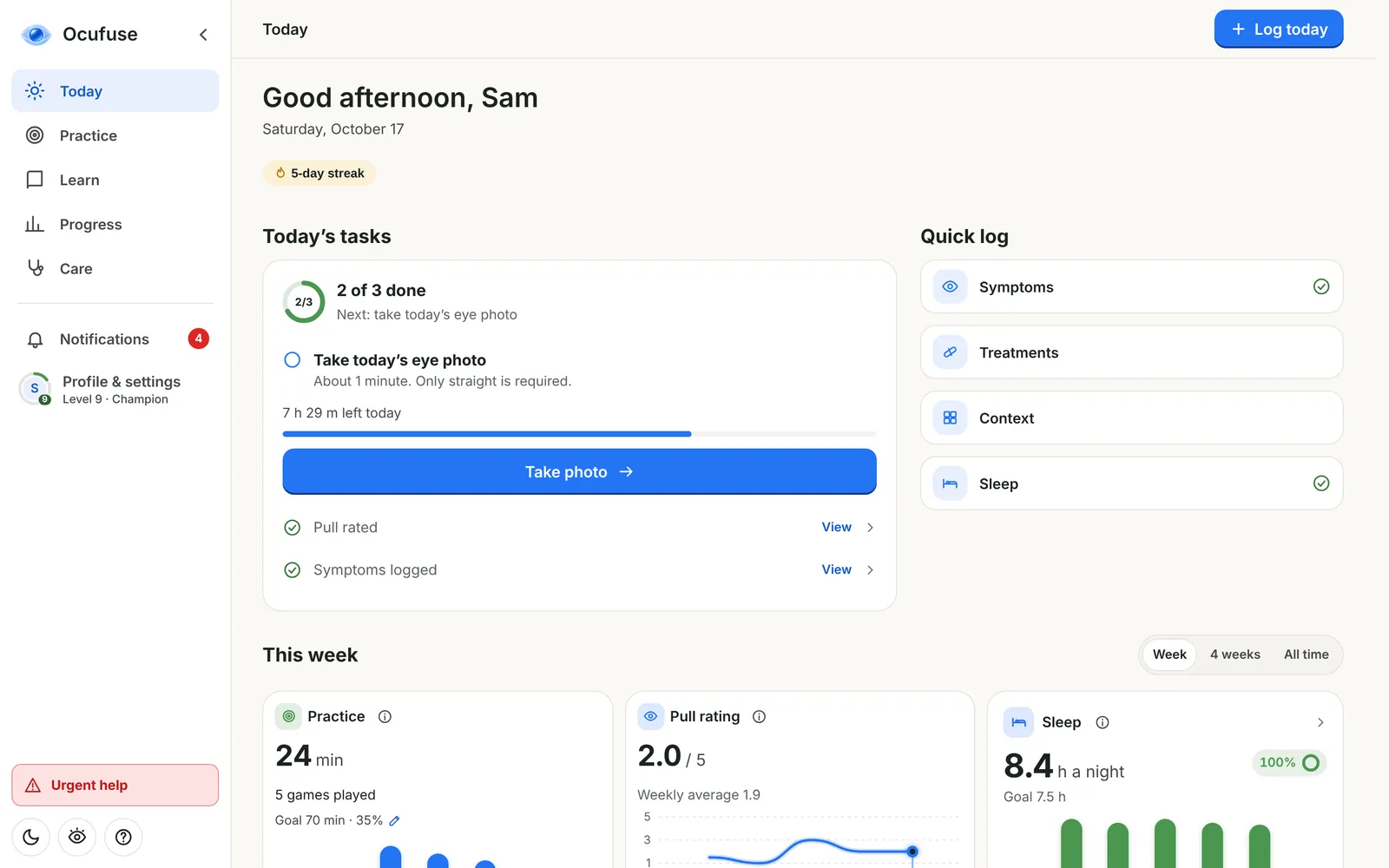
On your laptop today, on your phone too. Track how your eyes feel, play quick games and keep a clear history to share with your doctor.
Your day's tasks and a 20-second check-in.
Start tracking for freeSimple tools to help you stay consistent and understand your eyes better.
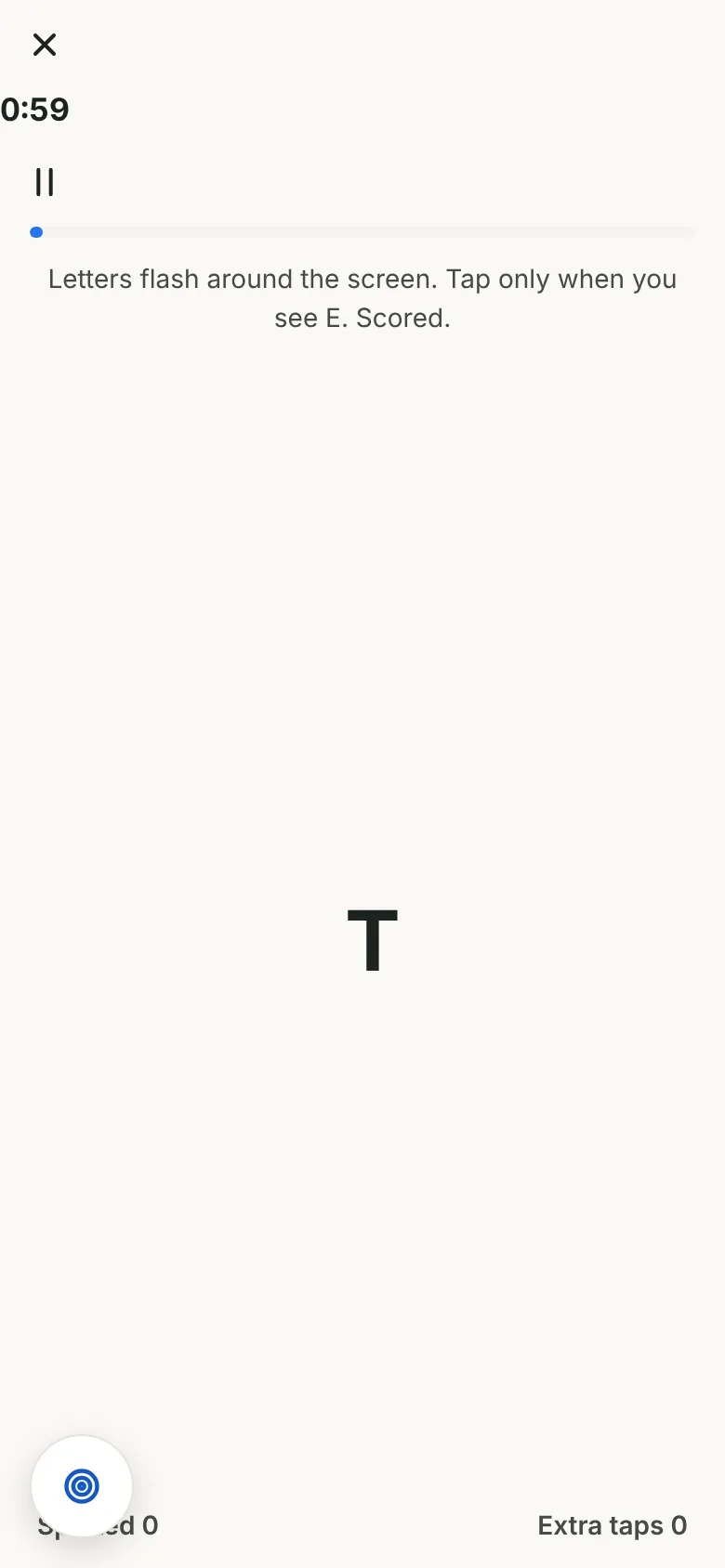
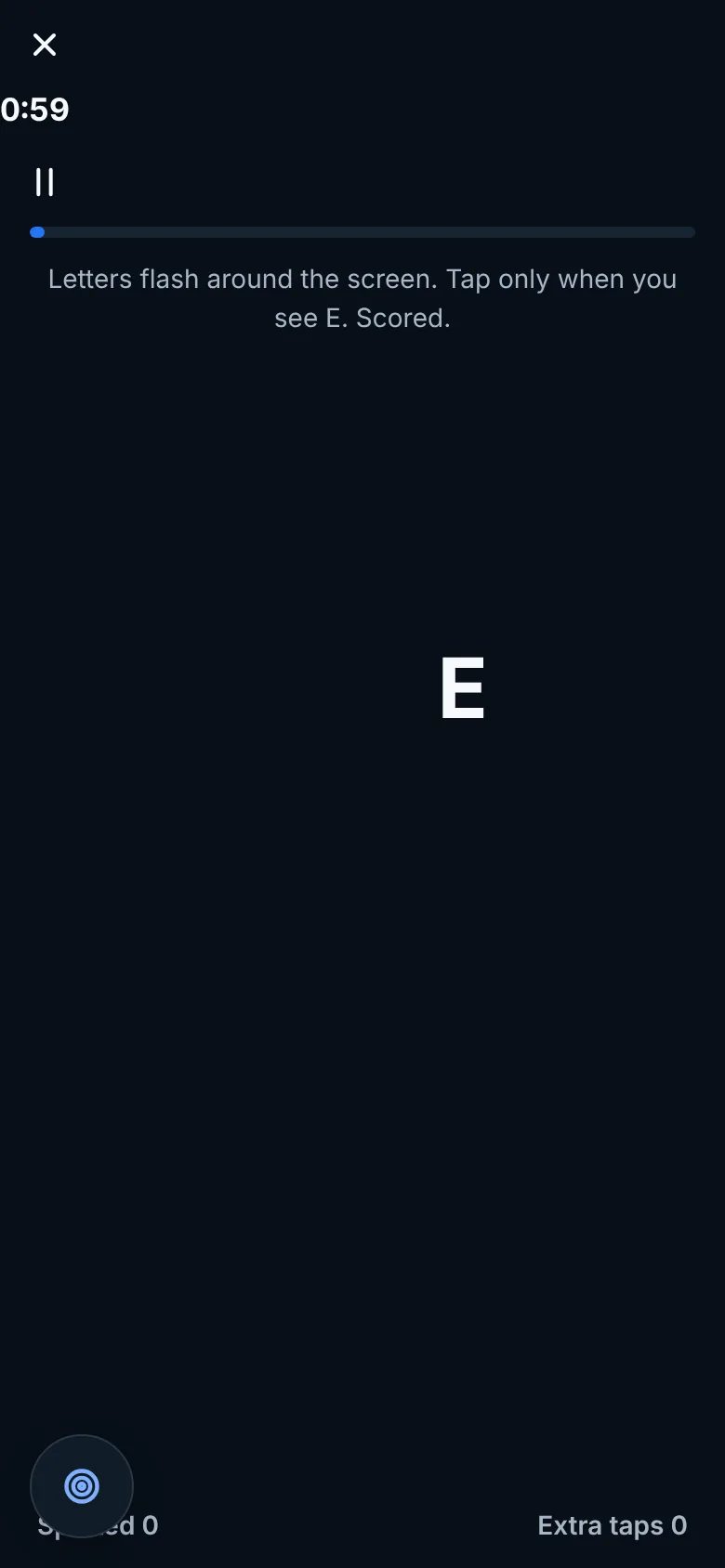
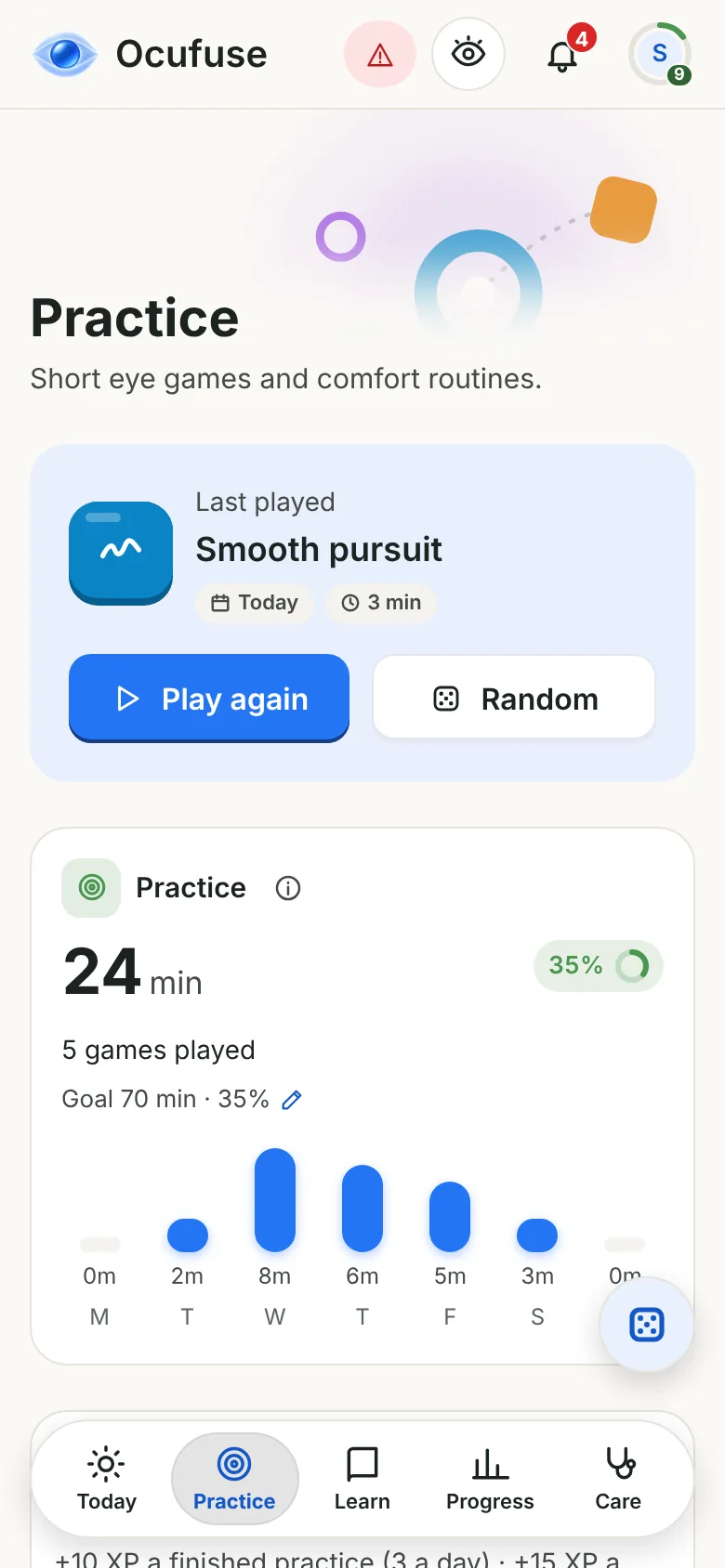
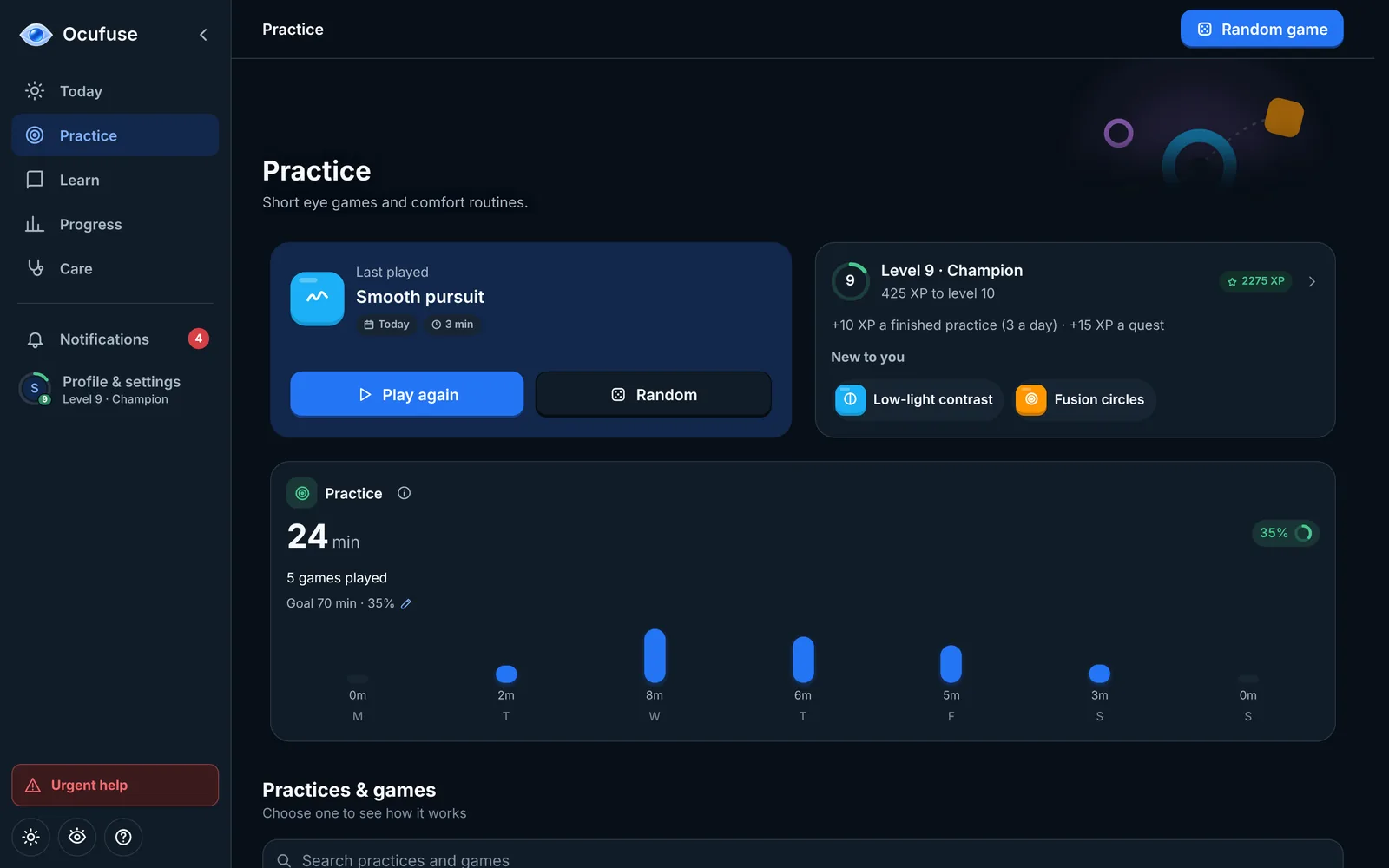
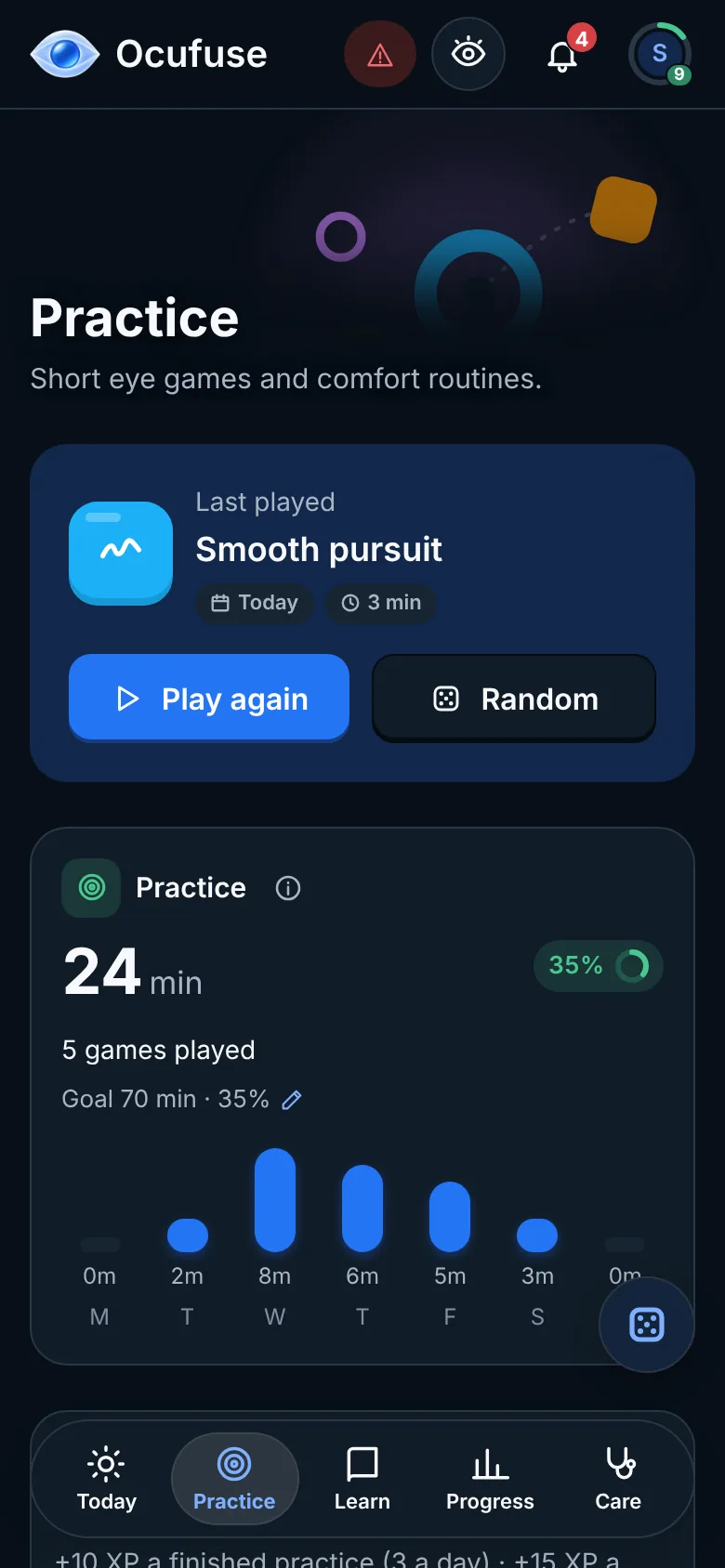
Two-minute eye games and guided screen breaks that fit between meetings, with a little confetti when you finish.
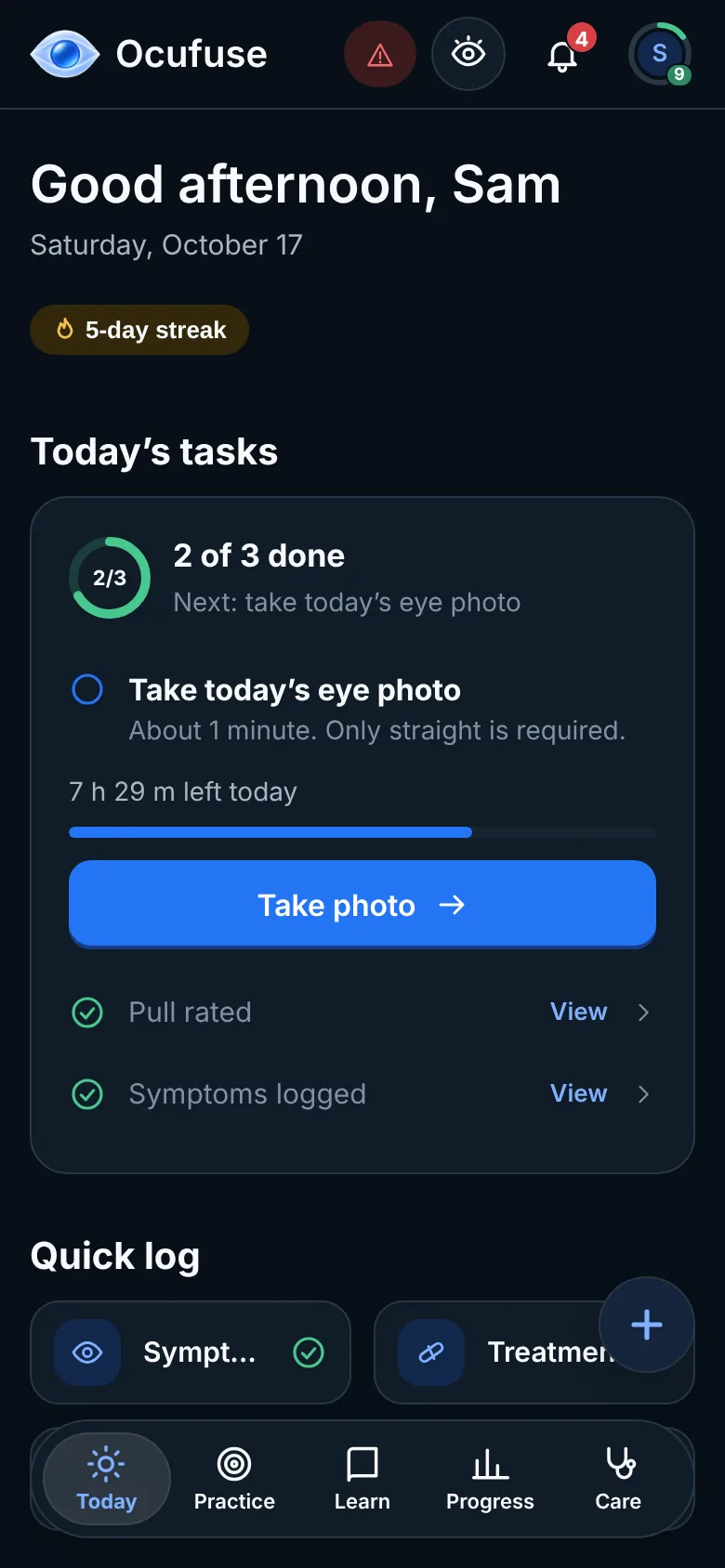
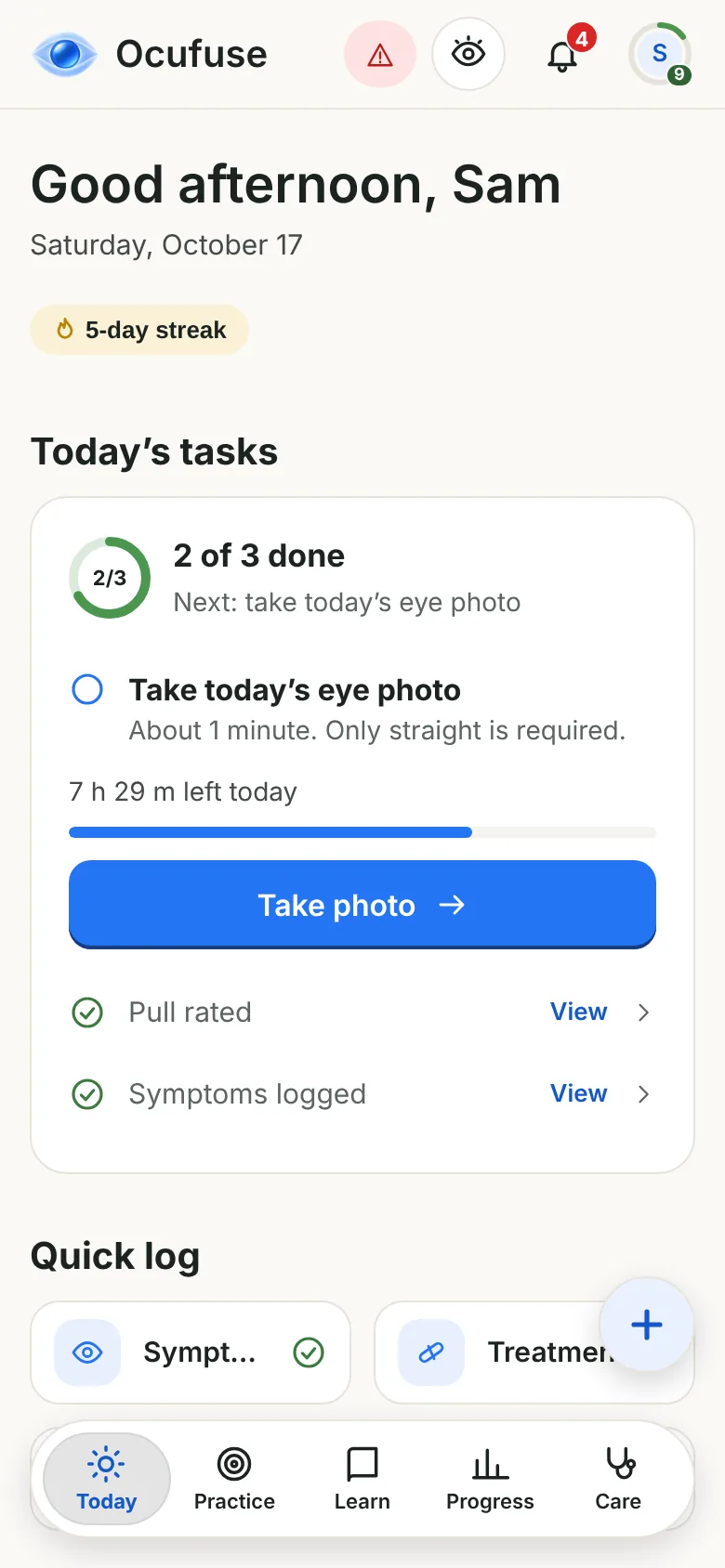
Tap how your eyes feel, add sleep, drops or a photo, and move on. Your history builds itself.
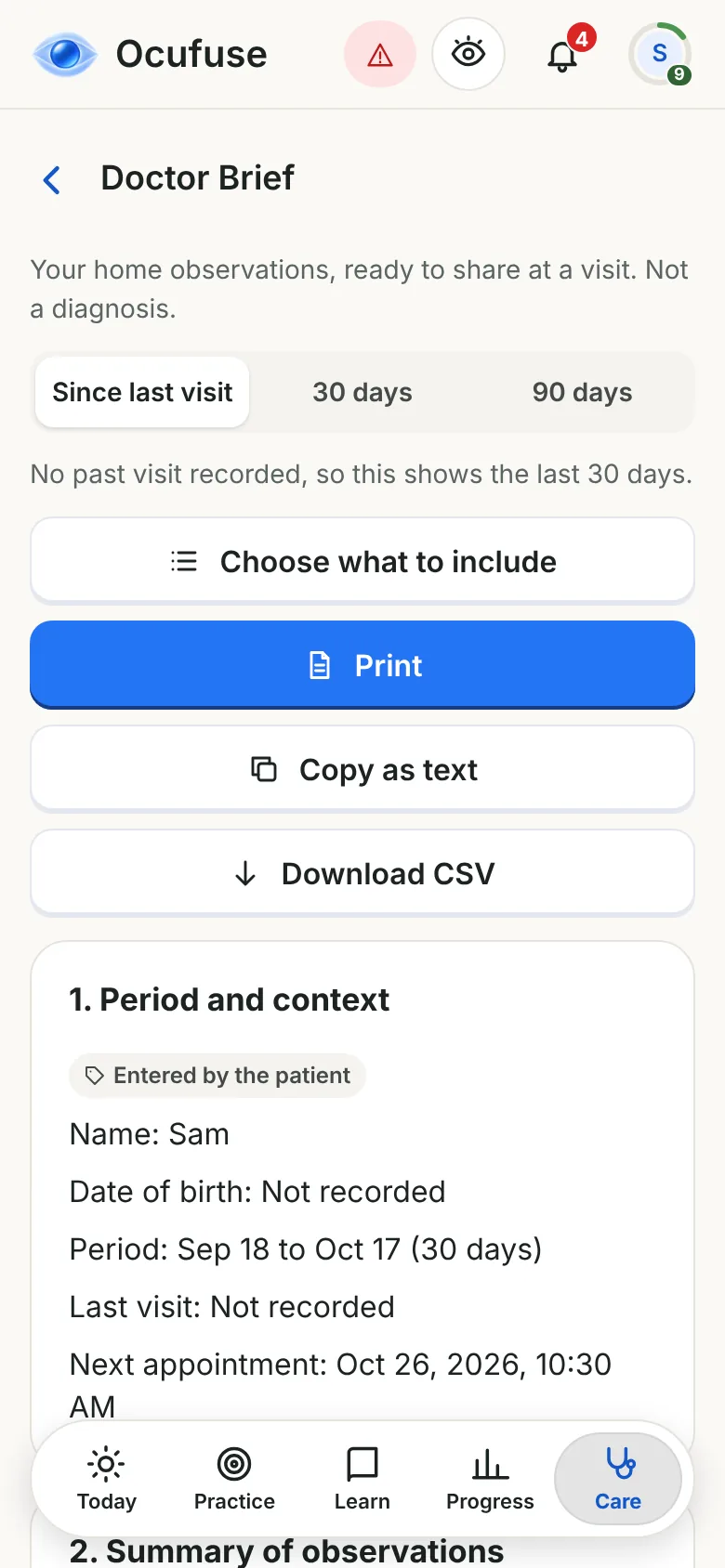
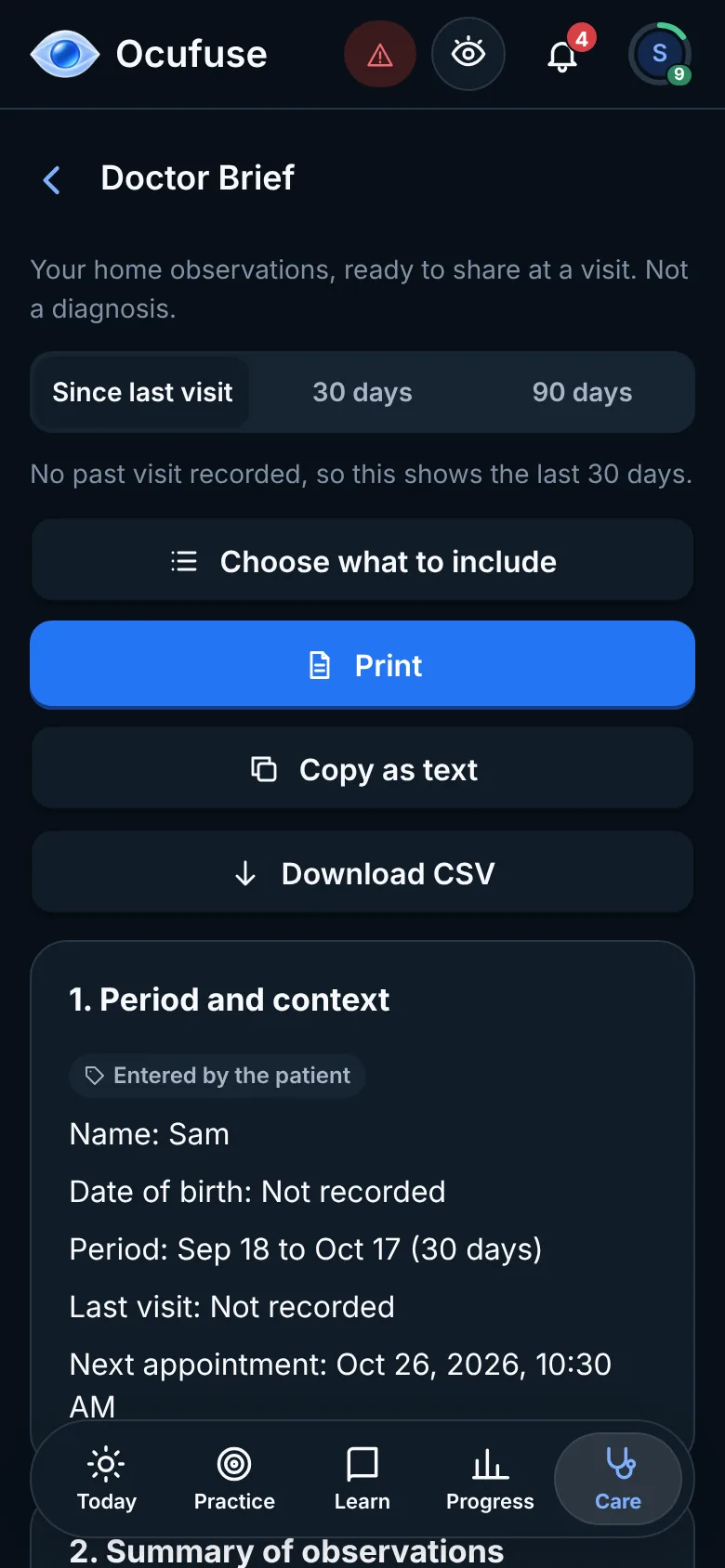
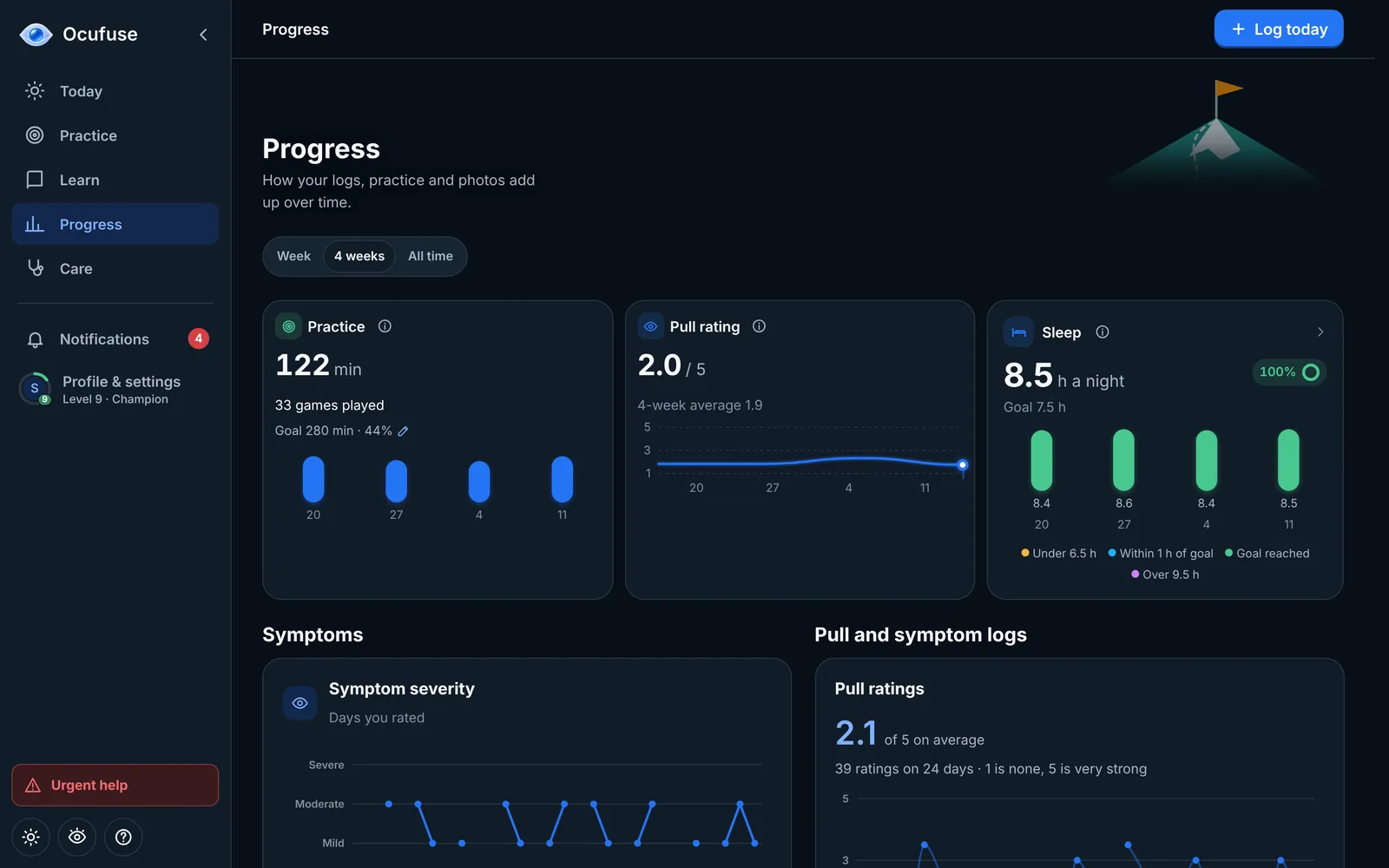
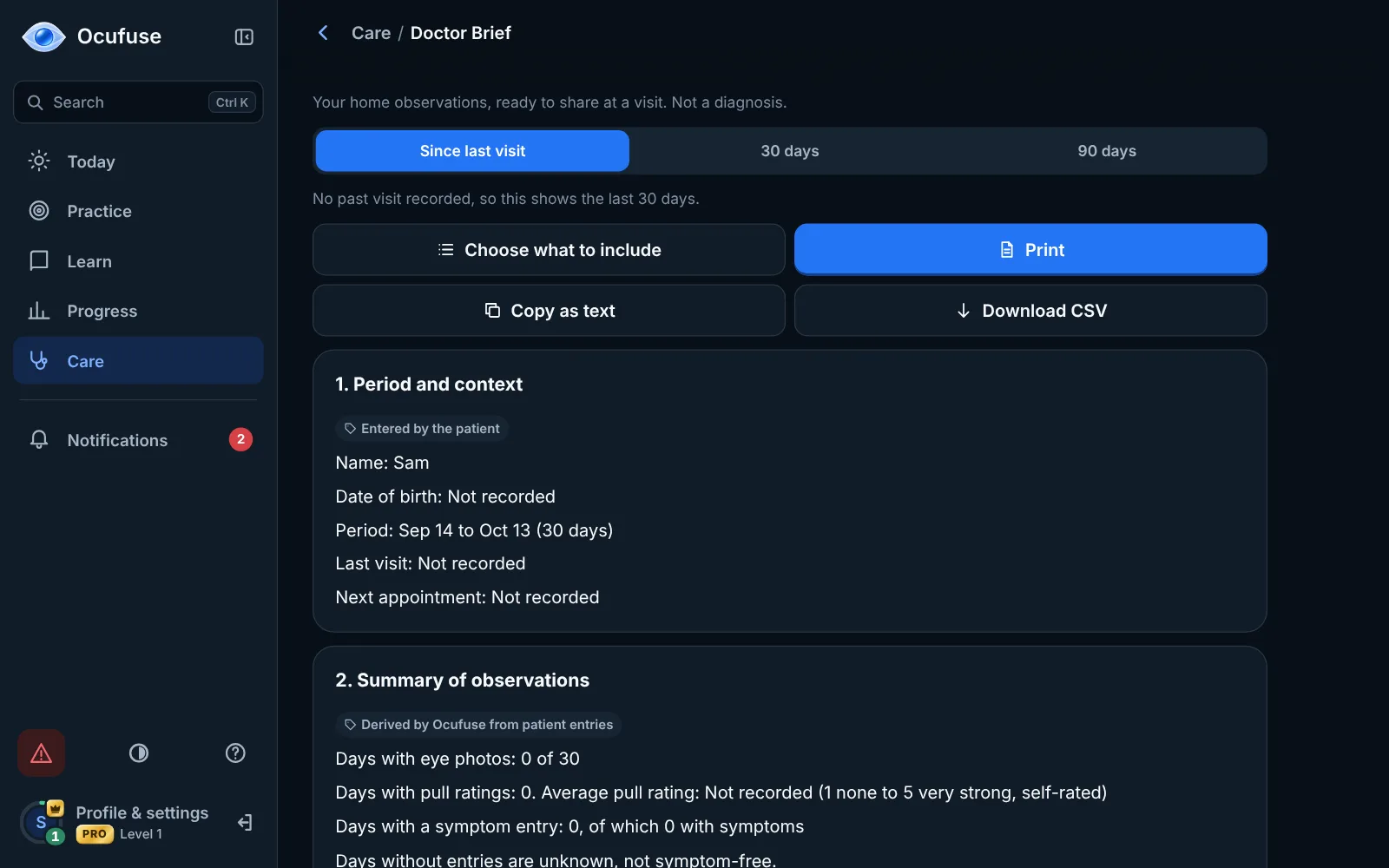
Weeks of notes become one tidy page you can print or share before an appointment. It records what you logged and never diagnoses.
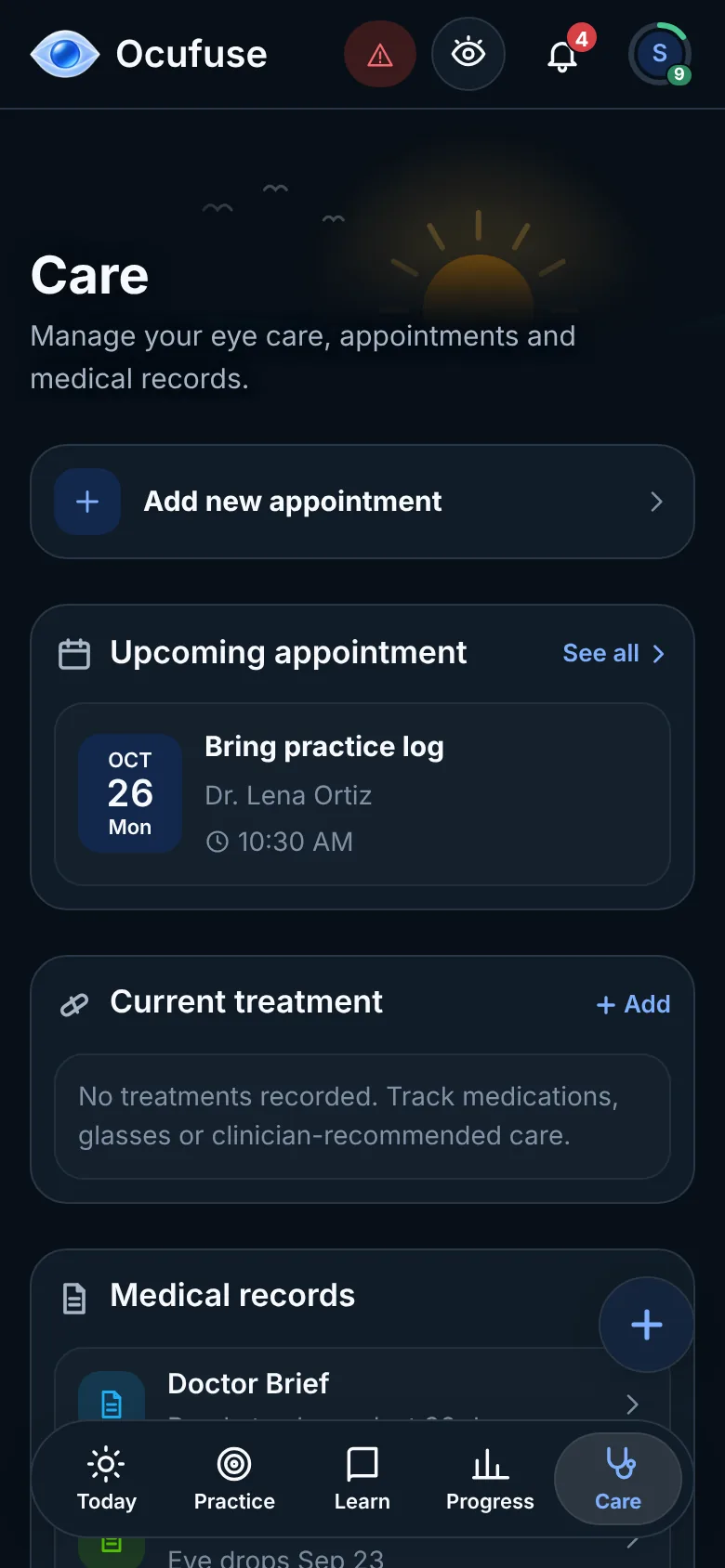
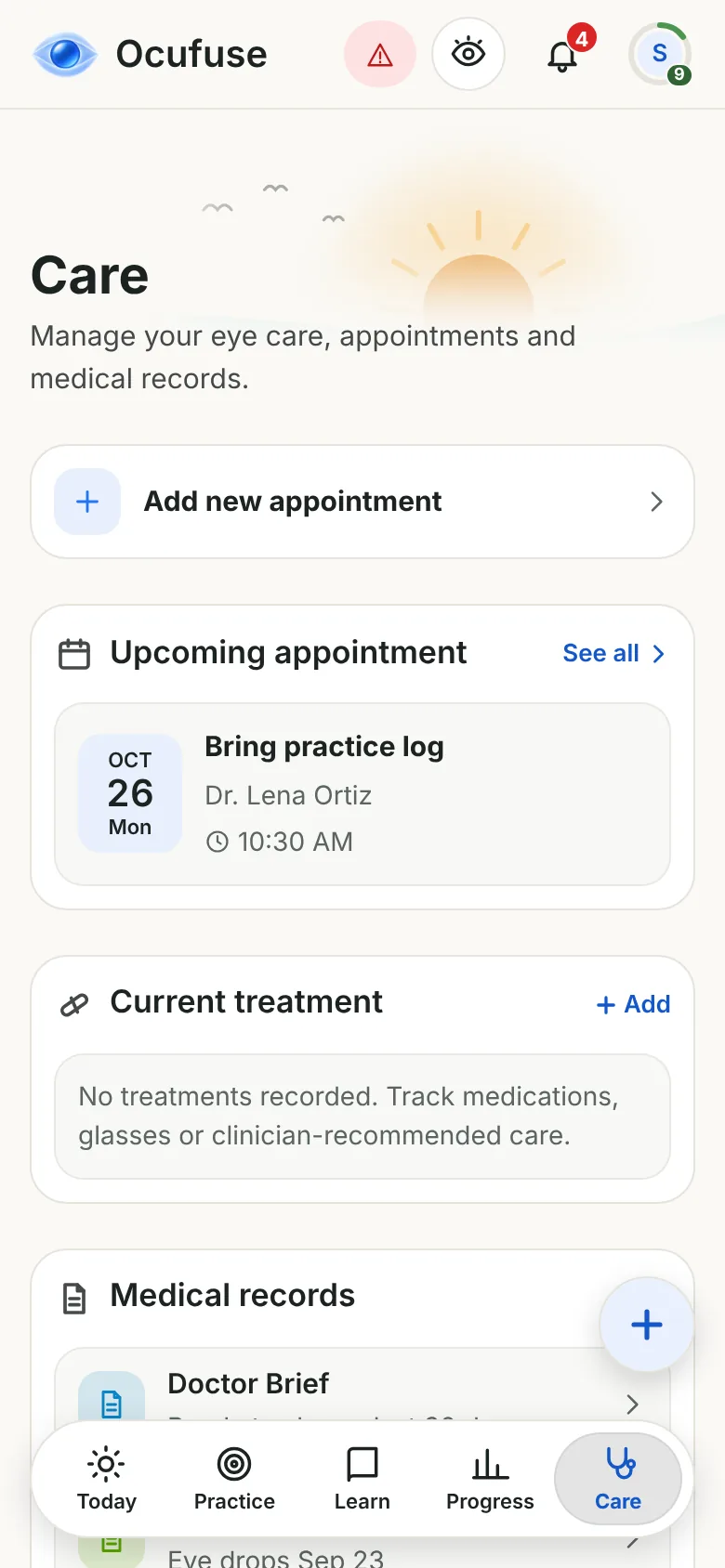
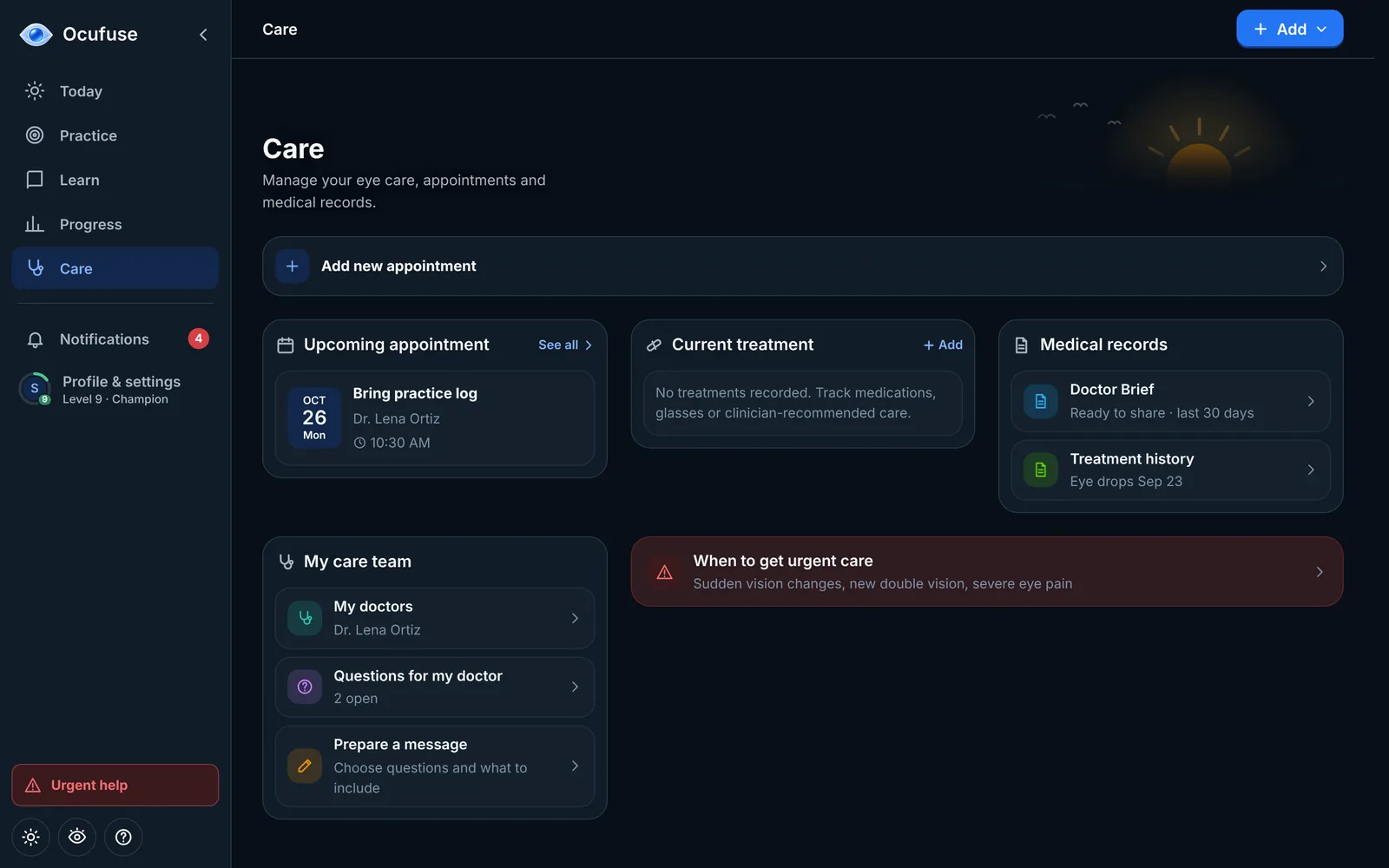
Save your eye doctor and call, text or email them in a tap. Keep your drops, glasses and prescriptions with their dates, note questions for your next visit and turn them into a ready message.
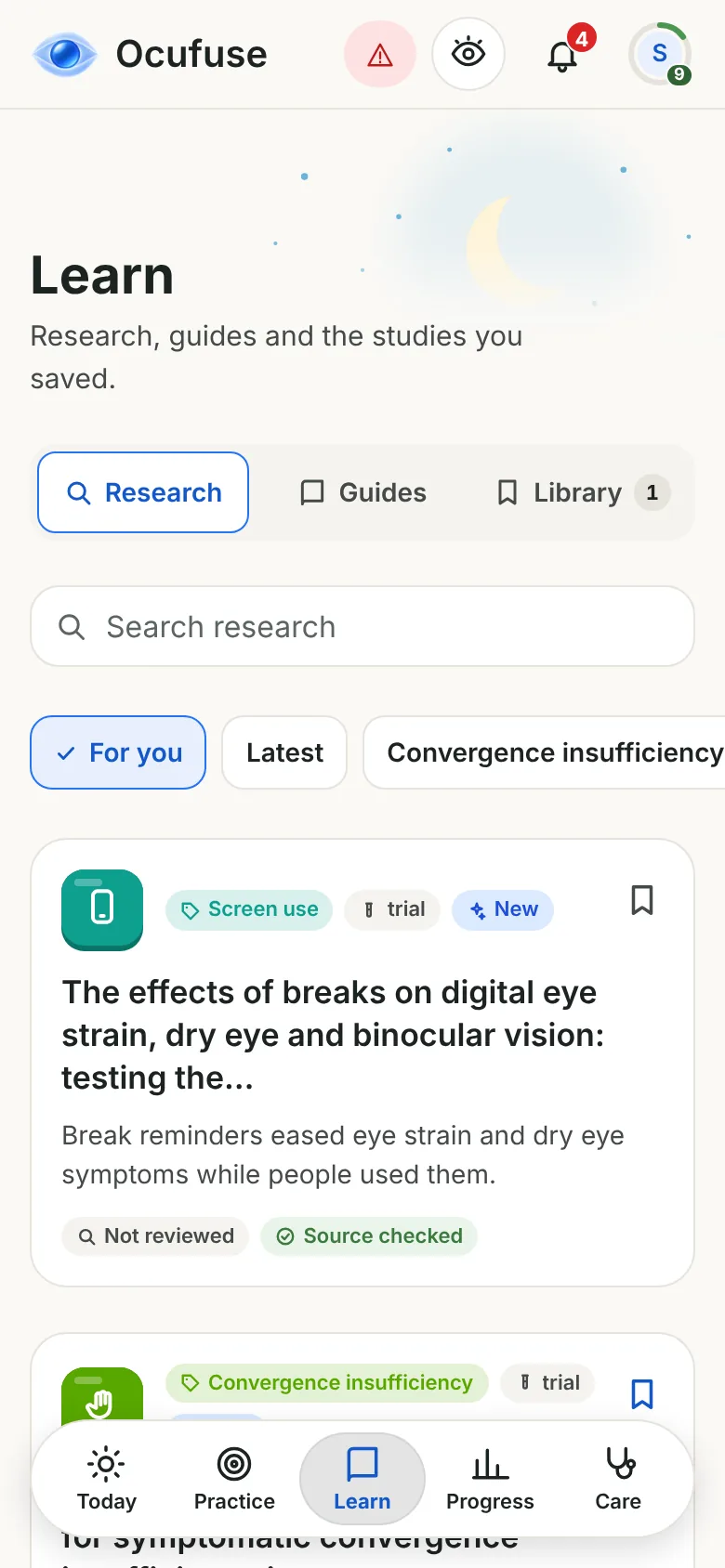
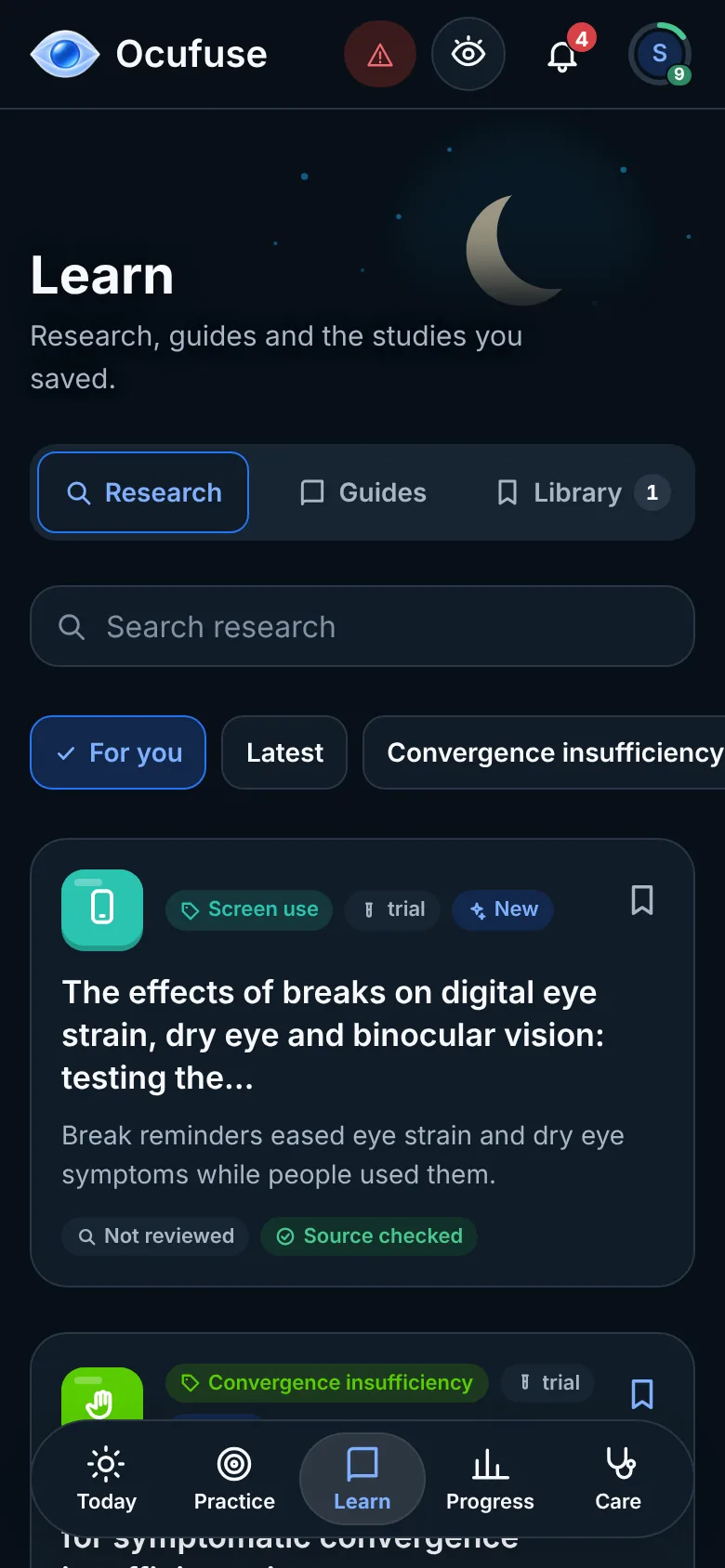
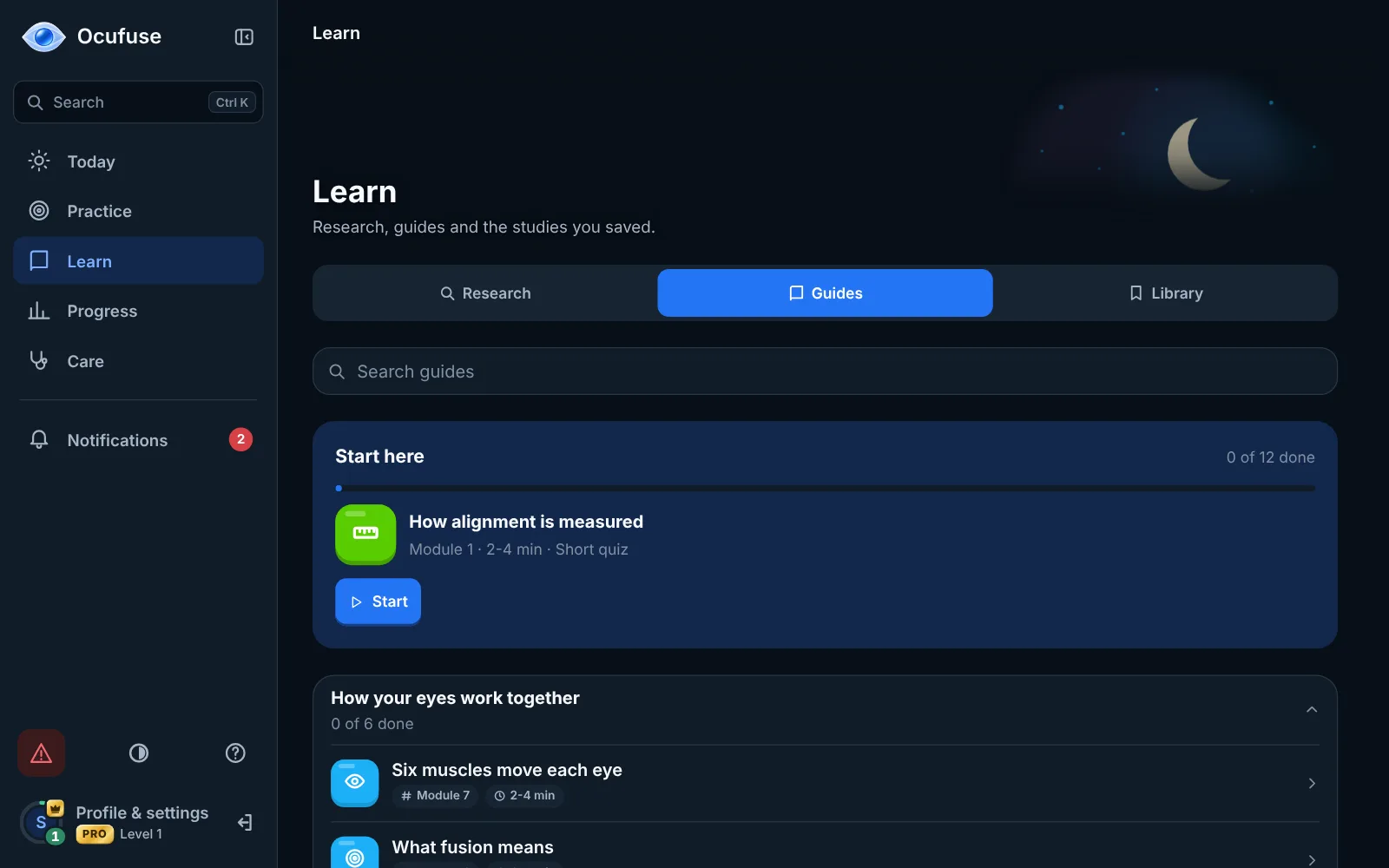
Short guided lessons on screen habits, eye exercises and appointments, plus plain summaries of eye research that show how strong the evidence is.
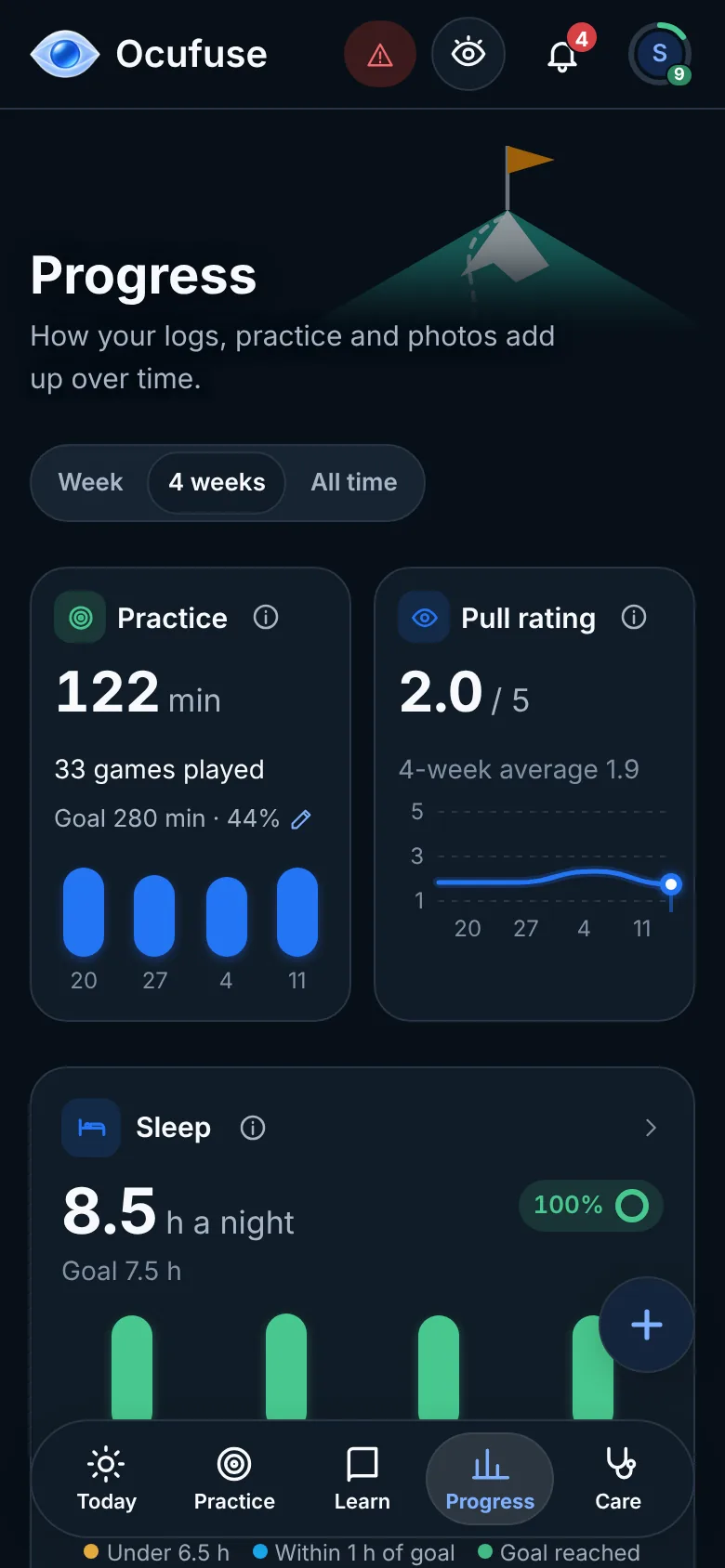
Levels, daily quests and badges make small habits stick, without guilt when you miss a day.
Free to start. No card needed.
A clear, organised Doctor Brief with your photos, symptoms, treatments and activity for the period you choose. Print it, save it as a PDF or download a spreadsheet before an appointment.
Picture this: breaks that actually happen, a record that remembers for you, and appointments where you finally have the full story.
What changes when Ocufuse is part of your day
The daily log, eye photos and the first games are free for good. Plus turns them into your whole eye journey: see how things change over time, connect the dots, and show your doctor exactly what changed.
From $49.99 a year. Cancel anytime. Tax added where it applies.
Practical guides for keeping a better eye record and getting more from your appointments.
A twitching eyelid is common and usually settles on its own. What tends to set it off, what to write down, and when it is worth getting checked.
Dry, gritty or watery eyes often depend on the day. A simple diary format that shows the pattern, plus what to bring to your appointment.
Eye appointments are short. A practical checklist of what to bring, what to mention and which questions to ask so nothing gets forgotten.
The same account and your history, synced, with reminders and photos right on your phone. Join the list before launch and you get:
For new Plus subscribers. One code per person. No spam, unsubscribe anytime.
Every coffee goes straight into building the iPhone app. It means more than you'd think.
Buy us a coffeeAn app for your eyes, free to start: two-minute eye games, guided eye exercises and a daily eye journal you can share with your eye doctor.
It runs in your browser on any laptop, tablet or phone, with an iPhone app on the way. It's a journal and practice app, not a medical device.
Ocufuse has a free plan and an optional paid plan, Ocufuse Plus. The free plan keeps the daily log, eye photos, your doctors and the first three games, with no card needed and no ads.
Ocufuse Plus adds every game, your full history, all 12 guide modules and the Doctor Brief. It costs $7.99 a month or $49.99 a year, with a free trial, or $119.99 once. Cancel anytime.
No. The three browser games here need only your email.
You need a free account to save your daily log, photos and practice history, and to use them on any device.
No. Ocufuse runs in your browser on a laptop, tablet or phone. You can add it to your home screen so it opens like an app.
Yes. Ocufuse runs in any modern browser on your phone or computer. Log in with the same account anywhere and your data is there. An iPhone app is on its way too.
No. Most games need only your screen. A few routines suggest something simple, like warm water and a clean cloth, and each one tells you before you start.
Yes, that's where most people start. Take a two-minute game or a 20-20-20 break between work sessions and note how your eyes felt. If something changes later, you already have a record to show.
Visits are short and symptoms come and go. Ocufuse keeps a dated log, photos and practice history between visits, then turns it into one page you can show. Your doctor sees the days they couldn't see in the room.
About 20 seconds to log, a minute for a photo, and two minutes for a game. Use as much or as little as fits your day.
They're short, playful screen breaks and practice for things like following a moving dot or spotting small details. They're not a vision test and don't measure your eyesight. Many people use them as a two-minute pause between work sessions.
There's nothing to set up and nothing to keep up with. A check-in takes about 20 seconds, the games are short enough for a coffee break, and a reminder only nudges you if you haven't opened it that day.
Nothing breaks. Your history waits for you, and you pick up where you left off.
No. They're screen breaks and practice, not treatment.
The games don't measure or change your vision, and they don't replace glasses, patching or therapy your eye care professional prescribes. For any change in your eyesight, see an eye care professional.
No, and we won't pretend it will. Ocufuse helps you take screen breaks, follow the exercises your eye doctor gave you, and keep a clear record of how your eyes feel. That record makes appointments more useful. Treatment decisions stay with your eye care professional.
No. Ocufuse helps with habits, screen breaks and keeping a record to show your eye doctor. It does not diagnose or treat anything. For any eye concerns, see an eye care professional.
If your eye care professional has given you exercises, Ocufuse gives you guided steps, timers and a practice log to show them. It doesn't diagnose or treat amblyopia or strabismus, and games don't replace glasses, patching or therapy your clinician prescribes.
Yes. The Doctor Brief turns your log into one page to share.
Print it, save it as a PDF or download a spreadsheet, for the period you choose. Nothing reaches a doctor unless you share it yourself. The Doctor Brief is part of Ocufuse Plus.
Yes. It's private to your account and stored in the EU.
It's never sold, never used for advertising and never used to train AI. You can export or delete everything from Settings, anytime.
No. Photos are optional. You can use the games, the exercises and the daily log without ever taking one. If you do, they stay private to your account.
Yes. Export your data or delete your account and everything in it from Settings, anytime, free.
Every game, your full history with photo comparisons, all 12 guide modules and the Doctor Brief.
Plus costs $7.99 a month, $49.99 a year or $119.99 once. The free plan stays free, with no ads on either.
Only if you keep Plus. You see the price and the date the trial ends before you start, and you can cancel before then in Manage subscription. If you cancel, you won't be charged.
In the web app: Profile and settings, then Ocufuse Plus, then Manage subscription. Plus stays on until the end of the period you paid for. Lifetime has nothing to cancel.
Nothing is deleted. You keep the free plan with your recent history, and everything comes back if you return to Plus.
Contact us and we handle refunds as set out in our terms.
Create a free account in under a minute. No card needed.
Start with a game or a 20-second check-in. Try Plus whenever you're ready, with a free trial on monthly and yearly.
Ocufuse games are for fun and screen breaks. They are not a vision test and do not diagnose or treat any condition. See an eye care professional for any concerns.