


Product reviews
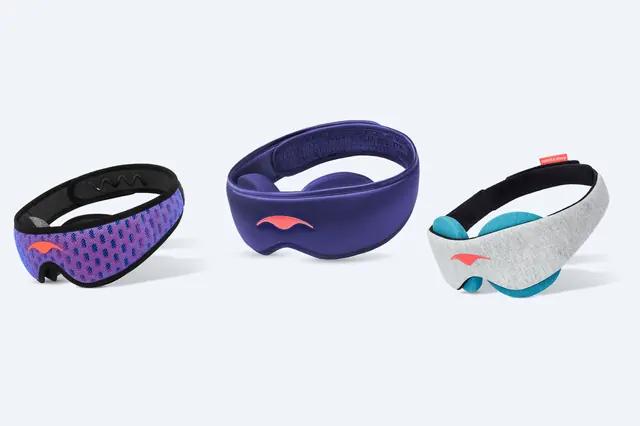
Manta Sleep Mask review: we tried the PRO, SILK and COOL
An honest, hands-on Manta Sleep Mask review. We slept in the PRO, SILK and COOL: how each fits, blocks light and feels for side sleepers, and which to buy.
8 min read
Free in your browser
More
Plus gamesPlusTurning E, Faint E, Track and spotFor gamersReaction, aim and tracking rounds with a Start Lights game on the pageFor sportsShort reaction and tracking rounds for a warm-up.For screen workScreen breaks, a focus timer and an eye journal.Screen breaksA break timer, a far view and calm one-minute gamesPrograms7, 30 and 90-day programs. The 7-day ones are free.All gamesEvery free game in one placeSee the gamesFree in your browser
Latest articles
An honest, hands-on Manta Sleep Mask review. We slept in the PRO, SILK and COOL: how each fits, blocks light and feels for side sleepers, and which to buy.
Rub and rinse the case with fresh solution, never water, dry it and leave it upside down with the caps off. Replace it at least every three months.
Mostly, you get better at the games. A large 2016 review found little evidence the gains carry over to work, school or everyday memory.
Take your eye photos the same way each time, keep them in order, and bring them to your next appointment. Free in the Ocufuse web app.
A practice run. It doesn't use your camera and nothing is saved.
0 of 4 ticked
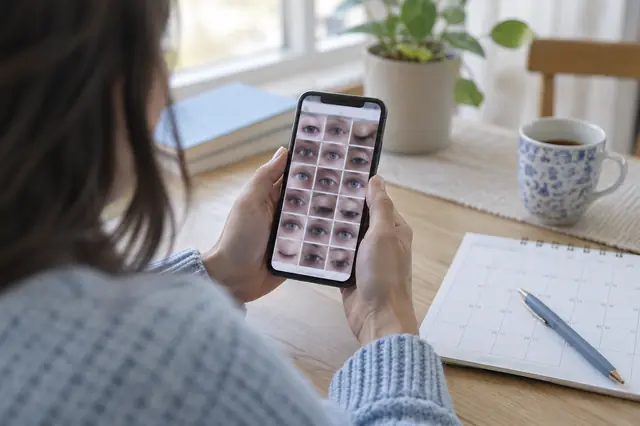
In a camera roll, eye photos end up between screenshots and holiday pictures, and the right ones are hard to find in a short appointment. The eye photo journal keeps them apart: each photo is saved with its date and time, next to how your eyes felt that day, and stays private to your account. Taking and keeping photos is free with an account.
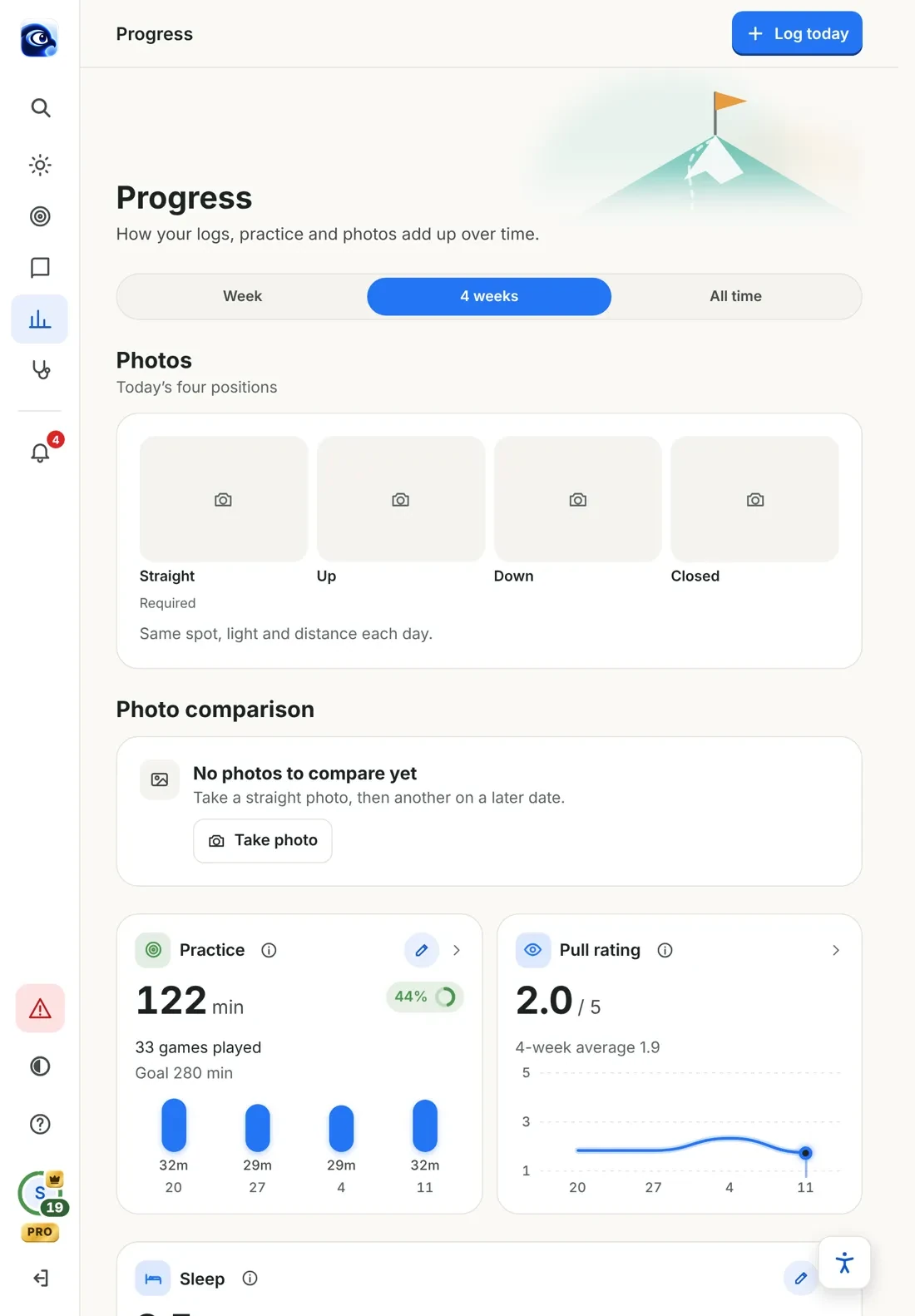
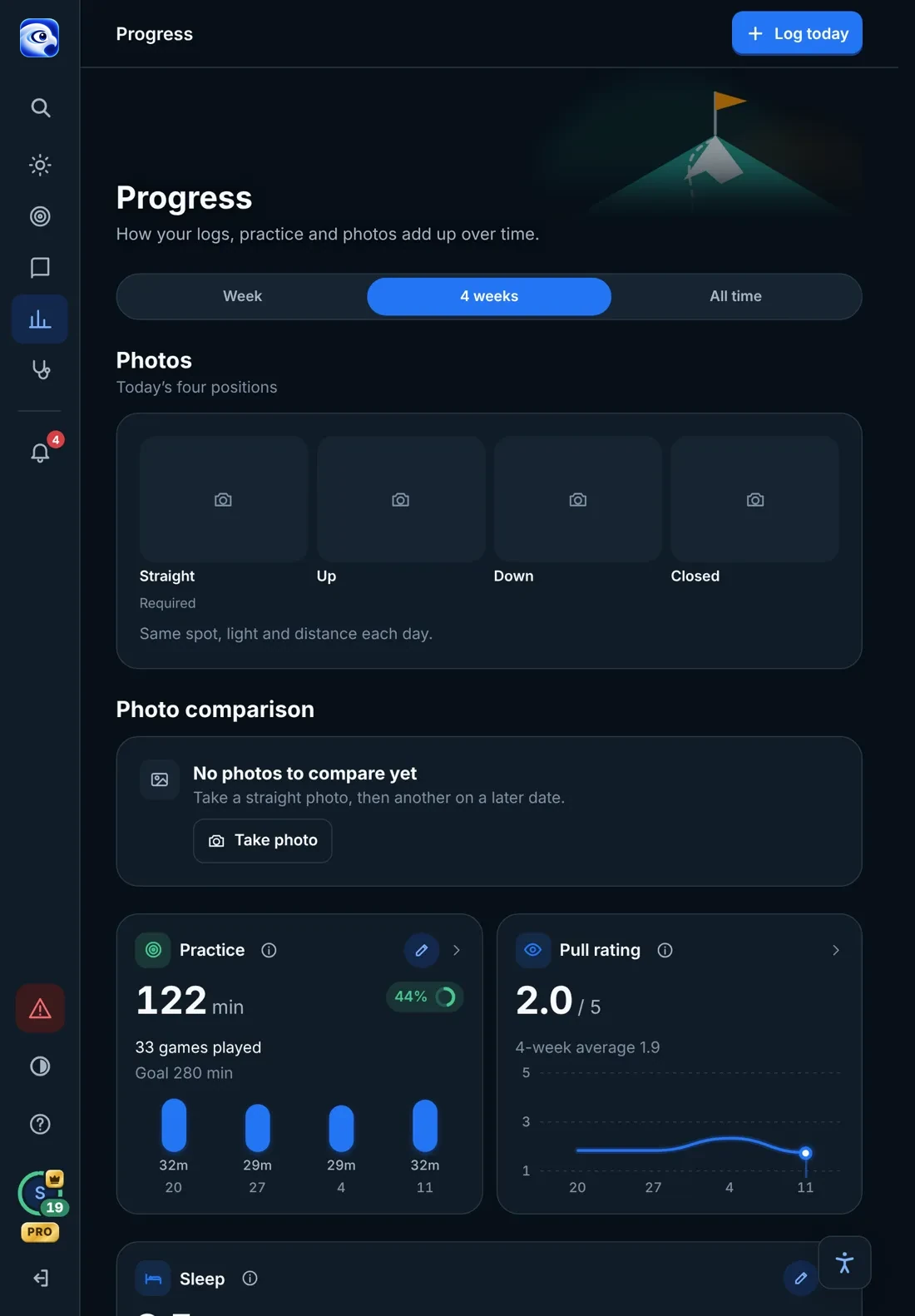
Example. Made up for this page, not a real person's record.
Thursday morningMore detail in our guide How to take consistent eye photos at home.
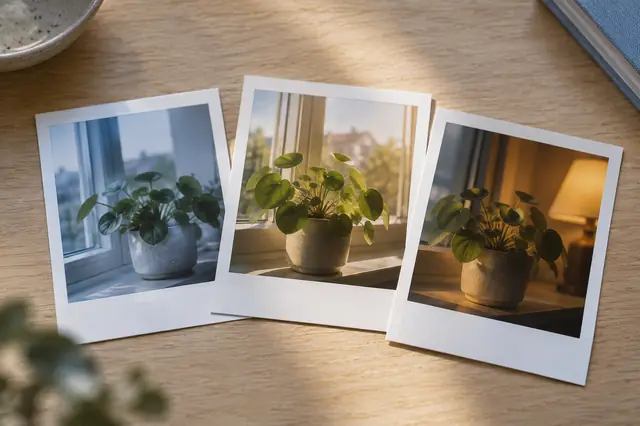
Why your eye photos look different from day to day explains the changes that come from light, distance and the camera rather than your eyes.
Prefer your phone's own photo app? How to keep dated eye photos for your eye doctor shows how to do it for free, with one album and the date in each photo's details.
No. Ocufuse keeps your photos dated and side by side so you and your eye doctor can look at them together. It doesn't measure, score or judge them.
Only you. Photos are kept in private storage that only your signed-in account can read, and you can delete them any time. They're never used for ads or to train AI.
Light, distance, head angle and the camera all change how eyes look. Guided framing helps, and so does taking photos in the same place and light each time.
Yes. Taking and keeping eye photos is free with an Ocufuse account. The free plan shows your last 14 days; your full history and side-by-side photo comparisons are part of Ocufuse Plus.
You can. One album, the date in each photo's details and a short note go a long way. The journal adds guided framing for the same views each time and keeps each photo next to that day's notes.
Keep eye photos dated, in order and easy to show at your appointment, for free: one album, the date in each photo's details, a short note and the views to take.
Light, distance and angle change how your eyes look in a photo. Six habits that make daily eye photos comparable from one day to the next.
Two photos of the same eyes can look surprisingly different. The everyday reasons why, and what they do and don't tell you.
An eye that sometimes turns in or out often behaves perfectly at the appointment. How to capture useful photos and short videos of a child's eyes at home.
When one eyelid sits lower than before, photos taken the same way over time are useful to your doctor. How to take them, what to note, and the signs that cannot wait.