Glasses and contactsNew
How to clean a contact lens case and when to replace it
Rub and rinse the case with fresh solution, never water, dry it and leave it upside down with the caps off. Replace it at least every three months.
5 min read
Free in your browser
More
Plus gamesPlusTurning E, Faint E, Track and spotFor gamersReaction, aim and tracking rounds with a Start Lights game on the pageFor sportsShort reaction and tracking rounds for a warm-up.For screen workScreen breaks, a focus timer and an eye journal.Screen breaksA break timer, a far view and calm one-minute gamesPrograms7, 30 and 90-day programs. The 7-day ones are free.All gamesEvery free game in one placeSee the gamesFree in your browser
Latest articles
Rub and rinse the case with fresh solution, never water, dry it and leave it upside down with the caps off. Replace it at least every three months.
Mostly, you get better at the games. A large 2016 review found little evidence the gains carry over to work, school or everyday memory.
It can be. Short breaks raise energy, and one study found a 5-minute casual game lifted mood. A game is still a screen, so add a look into the distance.
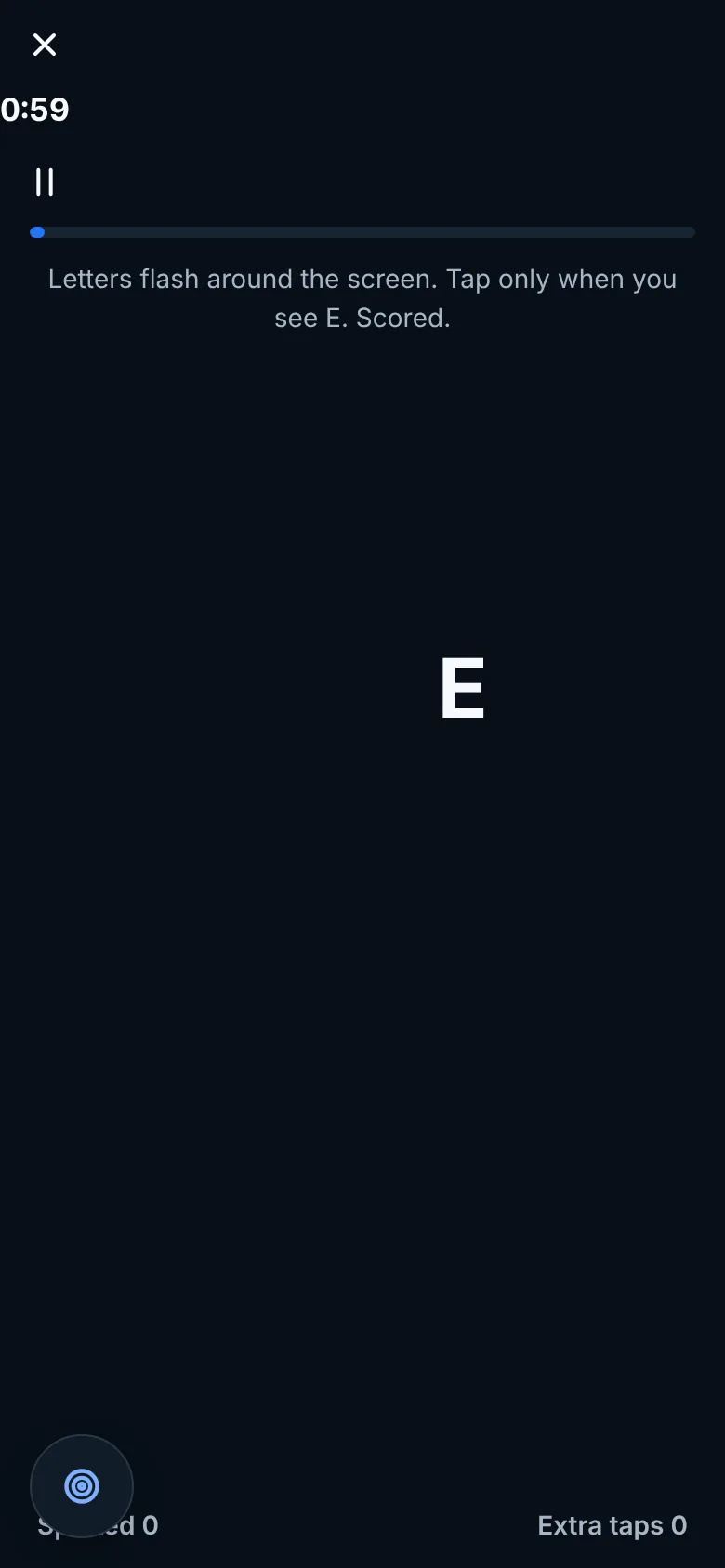
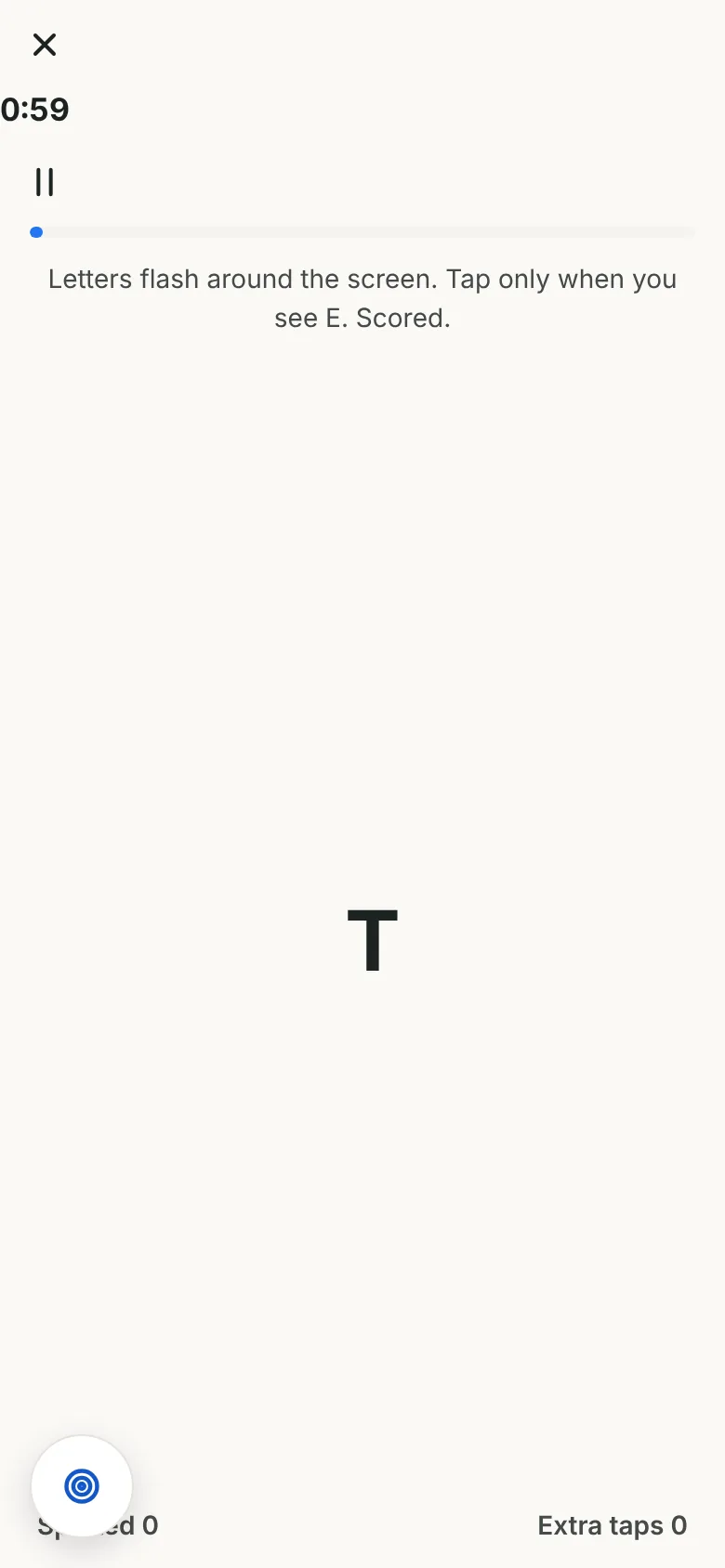
One-minute reaction, aim and tracking rounds with a score to beat, a proper look away from the screen between matches, and your scores in one account.
Free to start. No card needed.
Loading the game...
Ocufuse games are for fun and screen breaks. They are not a vision test and do not diagnose or treat any condition. See an eye care professional for any concerns.
15 games in Reaction and timing, Aim and accuracy and Tracking and motion. 5 play free right here in your browser, 4 are free in the app with an account and 6 come with Plus.
Sports-style rounds: start lights, line calls, arrows and quick targets. All reaction and timing games
Hit targets that pop up, jump or shrink, with a score to beat. All aim and accuracy games
Follow moving dots with your eyes and react when they change. All tracking and motion games
Ocufuse games are for fun and screen breaks. They are not a vision test and do not diagnose or treat any condition. See an eye care professional for any concerns.
Short rounds that fit around a session, not instead of one.
Long sessions keep your eyes on one distance for hours. A short look at something far away between rounds is an easy habit: the 20-20-20 idea is to look about 20 feet away for 20 seconds every 20 minutes.
The educational activities make it a bit more engaging. Definately appreciate having something interactive alongside the reading.
Small thing, but I appreciate how readable everything is. Clear buttons, decent spacing and no digging through endless menus.
The layout is clean and doesnt feel overwhelming. Took me a little while to explore everything, but navigation feels straightforward.
The star rating comes from 100 reviews. The quotes are 10 written reviews people agreed to share, word for word.
One account opens all 7 categories. Pick a category to see its games.
Long gaming sessions can leave eyes tired, dry and blurry. What an AOA survey found, and practical habits for distance, light and breaks.
Scrolling in bed with the lights off won't damage your eyes, but it can tire them. What eye doctors say, and habits for screens at night.
In a study of 1,469 adults, reaction time to a light on a computer averaged 231 ms. What that number includes and why your device and sleep change it.
We don't claim that. They're short games with a score to beat. A score tells you how this round went, not how you play anywhere else.
No. Start Lights, Sixty Hits, Line Judge, Shade Hunt and a few others start straight away. Your best score is saved in this browser. A free account saves scores in the app on every device.
No. They don't measure your eyesight or diagnose anything. If something about your vision changes, see an eye care professional.
About a minute for most of them, so one fits between matches or while a game loads.
Yes. They run in any up-to-date browser with touch, a mouse or a keyboard, and pause by themselves when you switch tabs.
Yes. There is one Ocufuse app and one account. When you sign up from this page you can pick what to see first, so reaction, aim and tracking games come up first. Every game, routine and journal feature stays available, and you can change what comes first at any time.
Yes. Ocufuse has a light and a dark mode on phone and computer, free. For late sessions, our article on using your phone in the dark covers brightness, distance and lighting.
The focus timer comes with Ocufuse Plus. The 20-20-20 and blink break routines, every posture routine and the eye log are free with an account, and the screen break timer on this site is free with no account.
Free to start. No card needed.