Is dark mode better for your eyes?
Neither mode suits everyone. What eye care and workplace bodies say about light and dark screens, and how to choose for the room you're in.
New articles by email
One email a week.
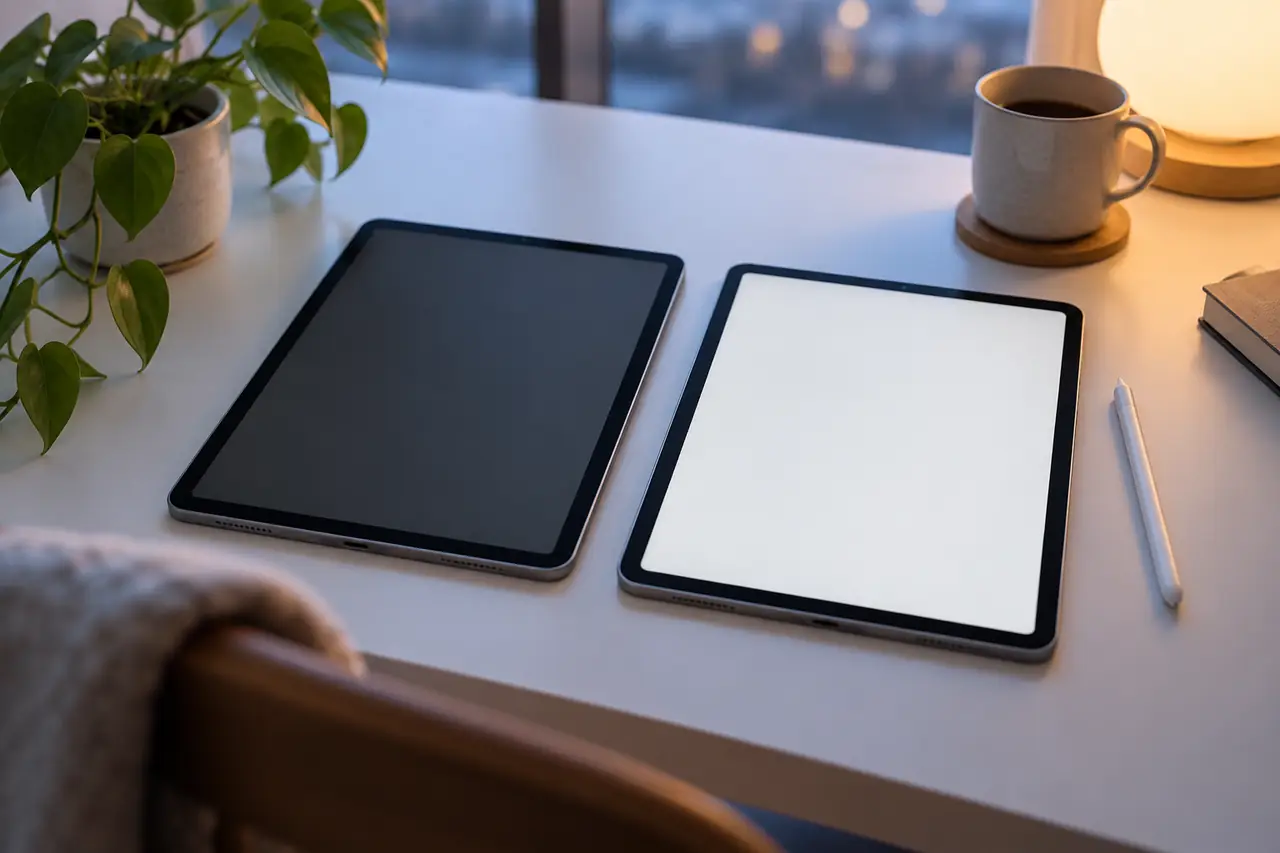
Dark mode, with light text on a dark background, is now an option on almost every phone, laptop and app. Many people say it feels easier on their eyes, especially at night. Others find it harder to read. Both experiences are common, and the guidance from eye care and workplace bodies explains why.
The short version: neither mode is better for everyone. What matters most is how bright the screen is compared with the room around it.
Using your phone in the dark and whether blue light glasses help cover related questions about evening screens, and e-ink readers compared with tablets and phones covers long reading sessions. For desk setups, see how far your monitor should be from your eyes.
What eye care bodies say about dark screens
The American Academy of Ophthalmology (AAO) describes night mode as a setting that lowers screen brightness, typically by showing light text on a dark background or by shifting colours toward warmer tones. It says night mode reduces the stark contrast between the screen and a dark room, which can ease eye strain.
The AAO also notes that a screen that's too bright for a dark room may cause digital eye strain. So in the evening, with the lights low, a darker screen is a reasonable choice if it feels more comfortable.
What workplace guidance says about light screens
OSHA, the US workplace safety agency, recommends dark characters on a light background for computer work in lit offices. Its reason is practical: dark text on a light background is less affected by reflections from lights and windows than light text on a dark background. In a bright room, a dark screen can act a bit like a mirror.
So which should you use?
- A bright office or a room with daylight
- Long reading sessions with lots of text
- Screens that pick up reflections from windows or ceiling lights
- Evenings with the room lights low
- Short checks of your phone in a dim room
- People who find a white screen glaring at night
Many devices can switch between the two automatically at sunset. That fits the guidance well: light mode in daylight, darker screens at night.
Brightness matters more than the mode
Whichever mode you use, the AAO suggests matching screen brightness to the light around you and increasing contrast if text looks washed out. A useful check is to hold up a sheet of white paper next to the screen. If the screen looks like a light source next to the paper, it's too bright for the room. If it looks dull and grey, it's too dim.
The AAO says working on a computer in a dark room won't damage your eyes but may cause eye fatigue. If your eyes start to feel tired, change the lighting or take a break. Our post on screen glare and brightness goes into room lighting in more detail.
What about blue light and sleep?
Night mode often shifts colours toward warmer tones as well as darkening the screen. The AAO says blue light doesn't damage the eye, but that bright light late at night can make it harder to fall asleep, and it suggests limiting screen time in the one to two hours before bed. A darker, warmer screen is one part of that; putting the phone down is the bigger part. See sleep, screens and tired eyes.
When dark mode is harder to read
Some people find light text on a black background looks fuzzy or seems to glow at the edges, especially in long paragraphs. If dark mode feels harder to read, you don't need to stick with it. Try a dark grey background instead of pure black, a slightly larger font, or simply switch back to light mode with the brightness turned down.
If text looks blurry in any mode, or you notice halos around light text, mention it at your next eye test. It may be worth checking whether your glasses or contact lenses are up to date.
Habits that help in either mode
- Take regular breaks. The 20-20-20 rule is an easy reminder.
- Blink fully during breaks. The AAO notes that people blink less while using screens.
- Keep the screen about an arm's length away, slightly below eye level.
- Keep some light on in the room rather than using a bright screen in total darkness.
When to see someone
Display settings are about comfort. Book an appointment with an optometrist or eye doctor if your eyes feel strained most days despite these changes, if text stays blurry, or if you've become more sensitive to light. The AAO advises talking to an ophthalmologist if eye strain or sleep problems carry on after cutting back and using night mode.
Read more by topic
Common questions
Is dark mode better for your eyes?
Not for everyone. The American Academy of Ophthalmology says a darker night mode reduces the contrast between a bright screen and a dark room, which can ease strain at night. In a lit room, OSHA notes that dark text on a light background is less affected by reflections.
Does dark mode reduce eye strain?
It can feel more comfortable in a dim room. What matters most is matching screen brightness to the room, taking breaks and blinking fully, whichever mode you use.
Is light mode better for reading?
Many people find dark text on a light background easier for long reading in a bright room. If light text on black looks fuzzy to you, switch back or try a dark grey background and a slightly larger font.
Sources
- American Academy of Ophthalmology: Should you use night mode to reduce blue light?
- American Academy of Ophthalmology: Is working on a computer in a dark room bad for my eyes?
- OSHA Computer Workstations eTool: Workstation environment
- American Academy of Ophthalmology: Computers, digital devices and eye strain
End of article