How to use the sheet
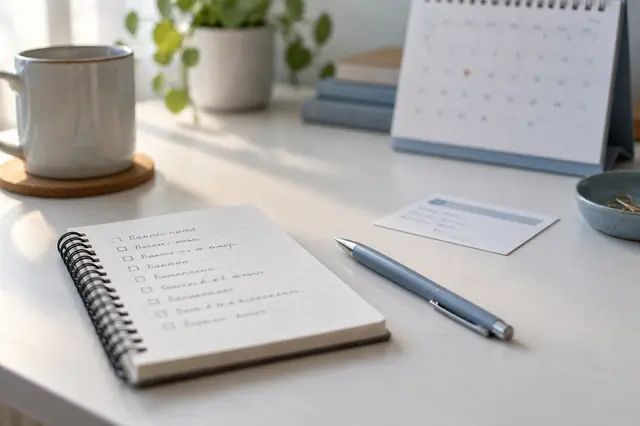
- Tick the things to bring and the questions that matter to you.
- Write what you notice in your own words: which eye, where, when, for how long, and what helps.
- Add your own questions, most important first.
- Print it or save it as a PDF, and take it with you. Leave space for notes during the visit.
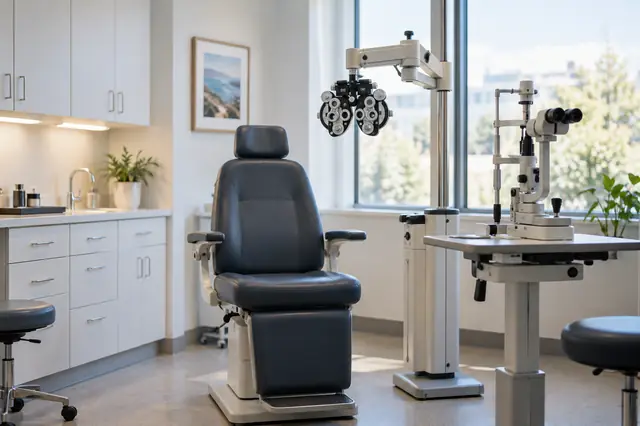
The National Eye Institute suggests writing your questions down before you go and asking the doctor to write down the main points. How to describe vision changes has words and examples that help, and what happens during an eye exam explains each part of the visit.
Bringing your notes and photos
If you keep notes or eye photos in the free eye symptom journal, the Doctor Brief (Ocufuse Plus) puts the entries and photos from a date range into a summary you can print, save as a PDF or show at the appointment. A notebook works too. See what to tell your eye doctor.
Questions
Is anything I type saved or sent?
No. Your ticks and notes stay on this page in your browser and disappear when you close or reload it. Print the sheet or save it as a PDF to keep it.
Where do these questions come from?
From our guides to what happens during an eye exam and how to describe vision changes, which draw on the National Eye Institute, the American Academy of Ophthalmology and the American Optometric Association. They're general prompts, not a list of things to worry about.
Can I bring my Ocufuse notes too?
Yes. If you keep notes or eye photos in Ocufuse, the Doctor Brief, part of Ocufuse Plus, puts the entries and photos from a date range you pick into a summary you can print, save as a PDF or show at the visit.