Do I need computer glasses, or are my progressives enough?
Glasses made for screen distance can help when everyday lenses make you tilt your head or lean in. What eye care groups say and what to ask at your exam.
New articles by email
One email a week.
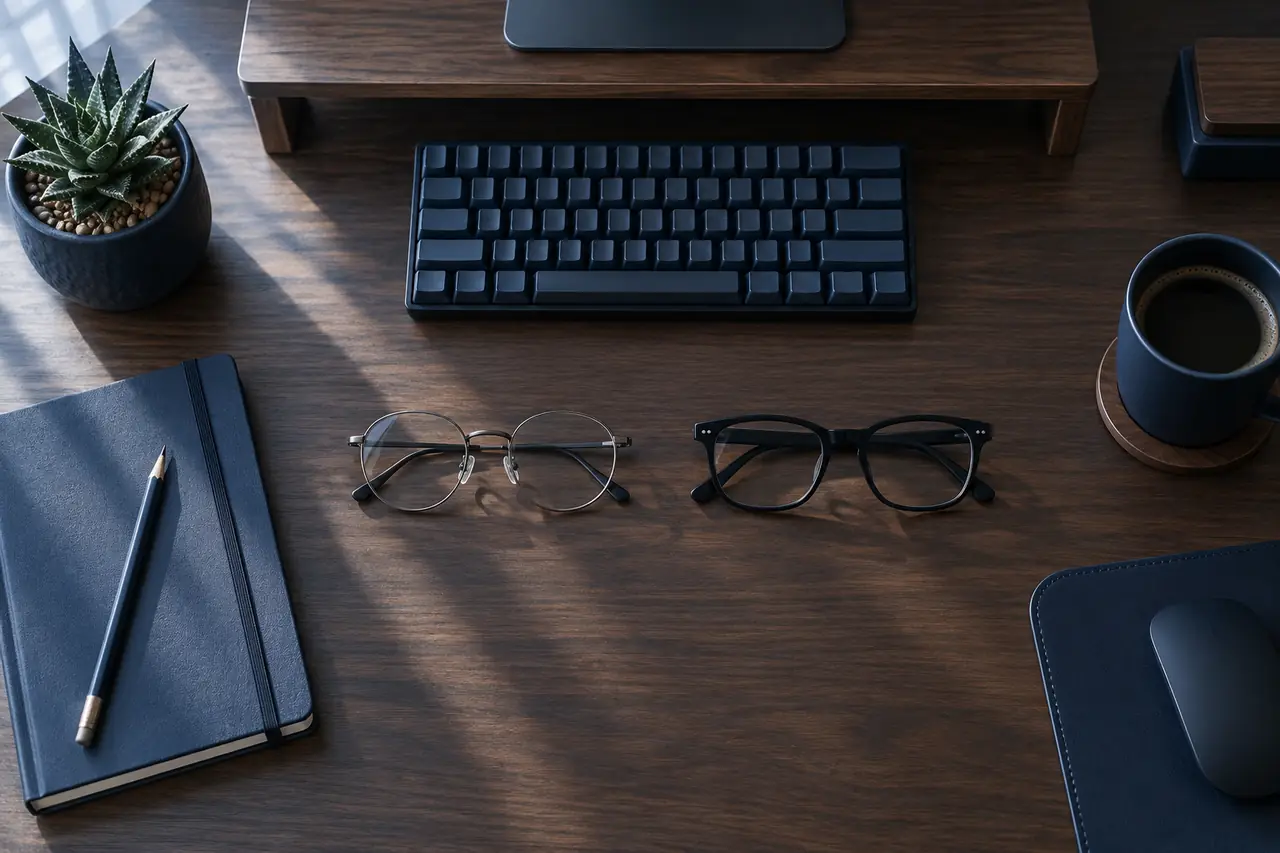
You may not need computer glasses at all, but they're worth asking about if your everyday glasses make you tilt your head back, lean toward the screen or lose sharpness at arm's length. The American Optometric Association (AOA) notes that a prescription made for general use doesn't always give the clearest view at computer distance, and that some people do better with a pair made just for the screen.
A common question on Reddit goes like this: I got my first progressives a few months ago, they're fine for driving and reading, but at my desk I keep lifting my chin to find the sharp spot and my neck aches by the end of the day, so do I need a second pair or did they get the lenses wrong? Some replies say a second pair made for the screen sorted it out, others say lowering the monitor was enough. Both can be right, depending on your eyes and your desk.
For why close focus changes in your 40s, see reading glasses after 40. For screen distance and height, see how far your monitor should be.
Why a screen is an awkward distance
Glasses are usually set up for two jobs: seeing far away and reading something close, like a book held at about 40 cm. A computer screen sits in between. The American Academy of Ophthalmology (AAO) suggests keeping a screen about 25 inches (around 63 cm) away, and the AOA gives a range of 20 to 28 inches. That middle distance is the one ordinary lenses tend to cover least well.
This matters more as you get older. The National Eye Institute describes presbyopia, the gradual loss of close focus, as a normal part of ageing, and the AAO says it's common after 40. Before then, your eyes can usually adjust to a screen on their own. After it, many people find their distance glasses are too weak for the monitor and their reading glasses are too strong for it, so the screen ends up blurry in both.
What happens with progressives and bifocals at a desk
Progressive lenses change power from top to bottom. The top is for distance, the bottom is for reading, and the band for middle distance sits in between and is fairly narrow. Bifocals have no middle zone at all, just a line between distance and near. In both cases, the part of the lens that works for close and middle distances is low down.
To look through that part at a screen at eye level, you have to raise your chin. The AOA says some people tilt their heads at odd angles because their glasses aren't designed for looking at a computer, or bend toward the screen to see it clearly, and that these postures can lead to aches in the neck, shoulders or back. OSHA makes a similar point about bifocal and trifocal wearers tilting their heads back to read a monitor.
That's why the Reddit question comes up so often after a first pair of progressives. The lenses may be made exactly to the prescription and still feel awkward for eight hours at a desk, because everyday progressives are designed to do a bit of everything.
Try your desk setup first
A few changes cost nothing and are worth a week before you buy anything:
- Lower the screen. OSHA suggests that people who wear bifocals or trifocals lower the monitor so they can see it without tilting their head back. The AOA suggests the centre of the screen sit about 15 to 20 degrees below eye level, which suits the lower part of the lens better.
- Check the distance. Measure from your eyes to the screen. If you're leaning in to see, try making the text bigger instead of moving closer.
- Keep the screen straight ahead. With progressives, the sharp middle band is narrow, so a screen off to one side means turning your head more. Two monitors side by side make this harder.
- Take breaks. The AAO suggests the 20-20-20 rule: every 20 minutes, look at something about 20 feet (6 metres) away for 20 seconds. If you forget once you're busy, the free 20-20-20 timer on this site runs in a browser tab.
If you can see the screen clearly with your head level after these changes, you may not need anything else.
What computer glasses are, and what they're not
Computer glasses, sometimes called office or occupational lenses, have power set for screen distance instead of for far away. Some are single vision for one fixed distance, which gives a wide sharp area across the monitor but makes the far end of the room blurry. Others cover screen and reading distances in one lens. Which kind fits depends on your prescription and on what you do all day, so it's a conversation with your optometrist or ophthalmologist rather than something to choose off a website.
They are not the same as blue light glasses, even though shops often use the word "computer" for both. The AAO does not recommend blue light glasses for eye strain and says the blue light from screens hasn't been shown to damage the eyes. More on that in do blue light glasses help.
Before an exam, it helps to bring a few facts: the distance from your eyes to your screen in centimetres or inches, how many hours a day you spend there, whether you use more than one monitor, and when the problem shows up, such as late afternoon or after long calls. The AOA says an eye exam for screen-related symptoms looks at how your eyes focus, move and work together, along with a check of lens power, so these details give the person examining you something concrete to work with.
When to see an eye care professional
Book a routine exam if you keep adjusting your head or your screen to see clearly, if new glasses still feel wrong after a few weeks, or if blur or tired eyes keep coming back on screen days. The AAO advises seeing an ophthalmologist if your eyes are consistently red, painful or blurry, and any sudden change in vision is a reason to get help promptly.
Read more by topic
Common questions
What are computer glasses?
Glasses with lens power set for the distance of a screen, usually about an arm's length, rather than for far away or for a book. They are a prescription question, not the same thing as blue light glasses.
Why do I tilt my head back with progressives at the computer?
The part of a progressive or bifocal lens for close and middle distances sits low in the lens, so people often lift their chin to look through it. The American Optometric Association notes this kind of posture can lead to neck, shoulder or back aches.
Can I just lower my monitor instead?
Often that helps. OSHA suggests that people who wear bifocals or trifocals lower the screen so they can look at it without tilting their head back. If that isn't enough, ask your eye care professional about lenses for screen work.
Do I need an eye exam to get computer glasses?
Yes. The lens power depends on your eyes and on how far away your screen is, so measure that distance before the exam and bring the number with you.
Sources
End of article