Gaming and your eyes: comfort habits for long sessions
Long gaming sessions can leave eyes tired, dry and blurry. What an AOA survey found, and practical habits for distance, light and breaks.
New articles by email
One email a week.
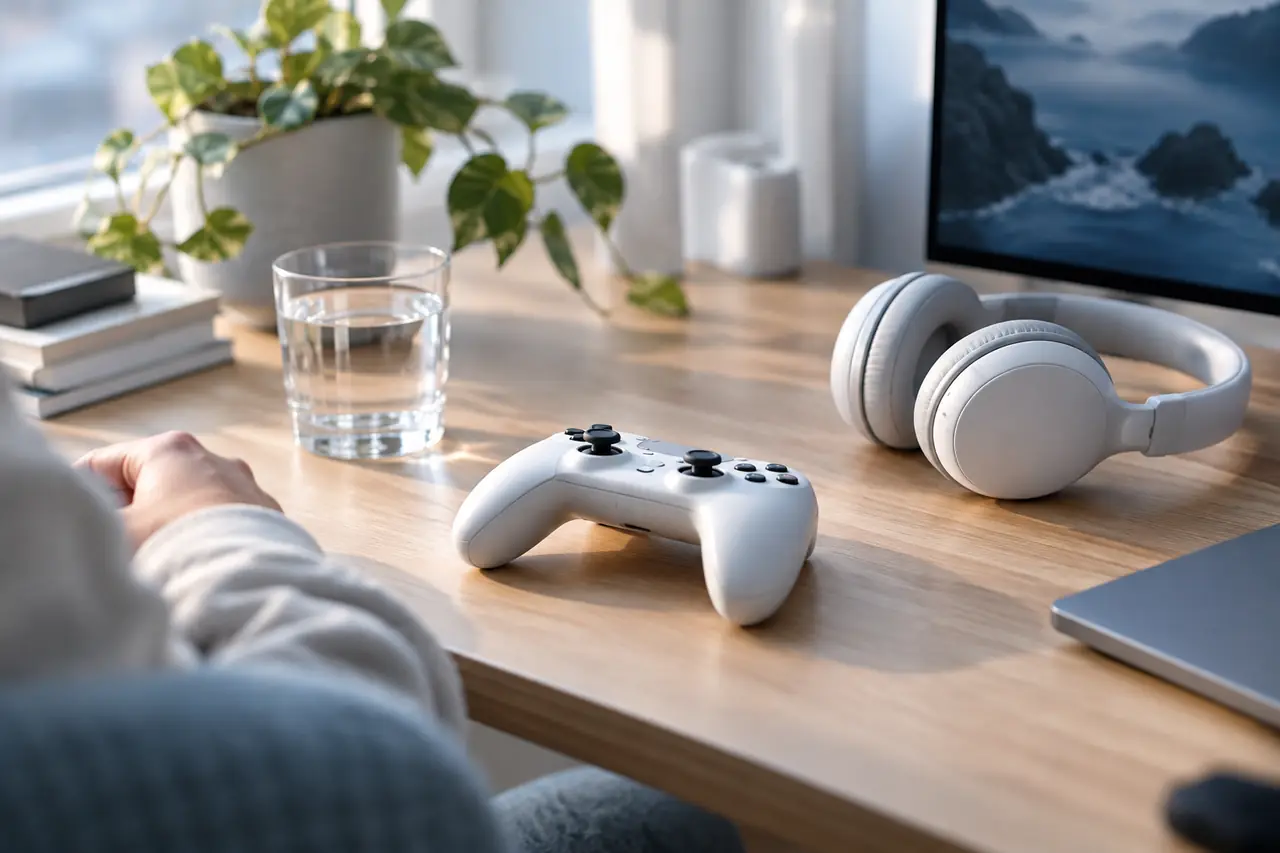
A good game makes time disappear. That's the point, and it's also why eyes can feel tired, dry or blurry after a long session. Gaming combines the things that make any screen use tiring: close focus, intense concentration, and few breaks.
None of that means gaming harms your eyes. It means the same comfort habits that help at a desk help here, adapted for a controller or a phone.
How often to take a break from the computer and what to do on a screen break cover breaks in general, and monitor distance and height applies to gaming setups too. For one-minute reaction and aim rounds between matches, see eye games for gamers, and for headsets, is VR bad for your eyes.
What a gaming survey found
The American Optometric Association (AOA) has surveyed gamers about their habits. According to the AOA:
- Gamers reported spending more than eight hours a day on handheld devices, with more than four of those hours gaming.
- A single session could last up to three hours, and most gamers took breaks of less than 15 minutes, if they took one at all.
- Symptoms such as eye strain, headaches, blurred vision and dry eyes were worse among people who played for more than three hours.
- Playing on a smartphone was linked with more symptoms than other devices.
It's a survey of self-reported symptoms, not a clinical study, but it matches what eye care professionals hear about long screen sessions.
Why gaming can tire the eyes
- Focus. Staying locked on a screen for long stretches keeps the eyes working at one distance.
- Blinking. The American Academy of Ophthalmology (AAO) says people blink about 15 times a minute usually but only 5 to 7 times a minute at screens. See how often you blink.
- Contrast. Gaming in a dark room with a bright screen means a big difference in brightness between the screen and everything around it.
- Late nights. Sessions that run past bedtime cut into sleep, and tired eyes the next day often follow.
Habits the AOA suggests
- At least 20 inches (about 50 cm) from larger screens
- At least 13 inches (about 33 cm) from phones and handhelds
- Room lighting similar to screen brightness
- Tilt the bottom of the screen toward you to cut glare
- Every 20 minutes, look 20 feet away for 20 seconds
- Get up for a glass of water between rounds
The AOA also suggests setting a reminder to blink (or using a pause between matches as one), keeping artificial tears to hand, cleaning your face and eyelashes daily, and stopping gaming or computer use at least an hour before bed.
Fitting breaks into a game
Twenty-minute breaks don't line up neatly with matches, levels or raids. Some ways to make them fit:
- Use loading screens, respawns and lobby time to look away from the screen at something across the room.
- Take a proper break, away from the screen, between matches rather than in the middle of one.
- Set a timer for the end of a session, not just the start. The free screen break timer runs in any browser tab, and the screen breaks page puts it next to a far view to rest your eyes on.
- Keep a water bottle out of reach, so getting a drink means standing up.
A note on contact lenses
The AOA notes that late-night gamers who wear contact lenses may find daily disposable lenses more comfortable than monthly ones. Whatever type you wear, the AAO is clear that you shouldn't sleep in them. If you game in lenses and your eyes get dry, giving them a break with glasses is an option. Our post on contact lens habits covers the basics.
Children and teens
Children may not notice their eyes are tired and won't stop on their own. Built-in screen time limits, breaks between games and plenty of time outdoors help. See screen time and children's eyes.
When to see someone
The AOA reports that fewer than half of gamers in its survey saw an eye doctor once a year, as it recommends. Book an eye test if:
- Blurry vision or eye strain lasts after you stop playing
- You get frequent headaches during or after sessions
- You need to lean in to read in-game text
- Your eyes are often red, dry or sore
Read more by topic
Common questions
Is gaming bad for your eyes?
Long sessions can bring the same eye strain as other screen use: tired, dry or blurry eyes and headaches. The American Optometric Association's survey found symptoms were worse in people who played for more than three hours.
How far should you sit from a gaming screen?
The American Optometric Association suggests at least 20 inches (about 50 cm) from larger screens and at least 13 inches (about 33 cm) from phones and handhelds.
How often should gamers take breaks?
The American Optometric Association suggests the 20-20-20 rule: every 20 minutes, look at something 20 feet away for 20 seconds. Loading screens and the time between matches are natural moments.
Should I stop gaming before bed?
The American Optometric Association suggests stopping gaming or computer use at least an hour before bed.
How often should gamers get their eyes checked?
The American Optometric Association recommends a yearly visit to an eye doctor, and reports that fewer than half of gamers in its survey went that often.
Sources
End of article