Best eye break apps: LookAway, Stretchly and free timers
Four ways to get screen break reminders: LookAway for Mac, Stretchly for any computer, a free 20-20-20 timer in your browser and the Ocufuse focus timer.
New articles by email
One email a week.
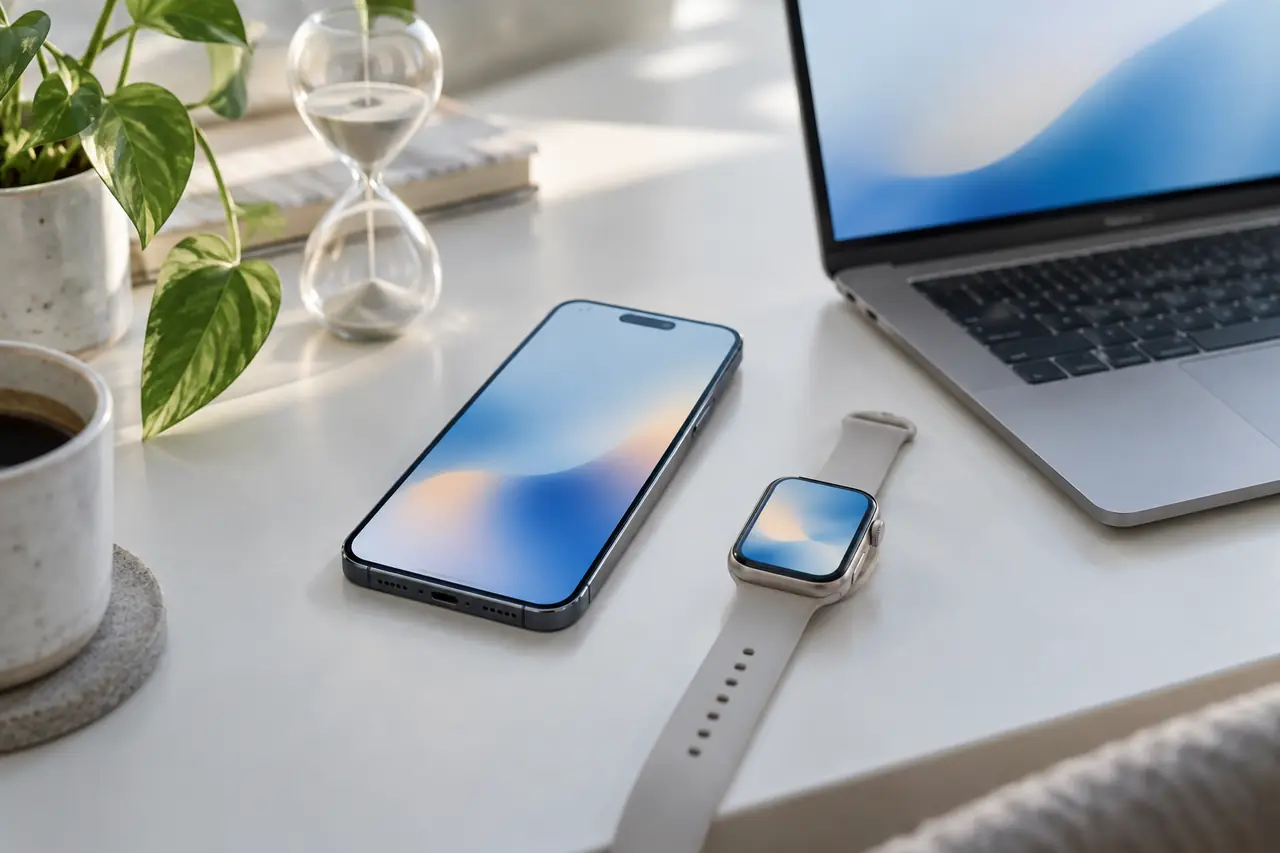
The best eye break app is the one that fits your computer: LookAway for a polished paid Mac app, Stretchly for a free app on Mac, Windows or Linux, and a browser timer when you can't install anything. All of them remind you to follow the 20-20-20 rule the American Academy of Ophthalmology suggests.
Most people know they should look away from the screen now and then, and most people forget once they're busy. A break app's job is to remember for you. The American Academy of Ophthalmology suggests the 20-20-20 rule for long screen sessions: every 20 minutes, look at something about 20 feet (6 metres) away for 20 seconds.
Here are four ways to get those reminders, what each costs and who each suits. Prices and features were checked on each app's own website in October 2026.
Ocufuse publishes this article and makes one of the options in it. We've tried to describe every app fairly, from its own website, and to say plainly where another app does something better.
What is the best eye break app?
- You use a Mac and want the most polished app: LookAway.
- You want free, on any desktop system: Stretchly.
- You can't install apps, or want nothing to install: a browser timer, such as the Ocufuse free 20-20-20 timer.
- You also want to keep notes on how your eyes feel: the Ocufuse web app.
Eye break apps at a glance
What each option needs and does, from each app's own website, checked in October 2026. The last two columns are Ocufuse's own timers.
| LookAway | Stretchly | 20-20-20 timer | Focus timer | |
|---|---|---|---|---|
| Runs on | Mac (macOS 13 or later); Windows coming soon | Mac (macOS 13 or later), Windows, Linux | Any modern browser | Any modern browser; Chrome and Edge can install it |
| Price | $19, $29 or $99, one time | Free, open source | Free, no account | With Ocufuse Plus |
| Install needed | Yes | Yes | No | No |
| Reminders | A heads-up with snooze before each break | 20 s mini break every 10 min, 5 min break every 30 min | You choose how often | Focus blocks you choose, eye break between them |
| Pauses by itself | During calls, meetings, video, screen recording and games | When idle for 5 min and during Do Not Disturb | No | No |
| Also has | Blink and posture reminders, iPhone mirror app | Mini and long breaks you can change | Chime and browser notification | Eye journal, dated eye photos, Doctor Brief |
How to set up break reminders you'll keep
- Pick the option that runs on your computer without a fight: a browser timer if you can't install apps.
- Start with the 20-20-20 rule: every 20 minutes, look about 20 feet (6 metres) away for 20 seconds.
- Turn on a sound or a notification you'll notice, but not one that startles you.
- If reminders come during calls, choose an app that pauses for them or snooze the next break.
- During the break, look into the distance and blink a few times rather than checking your phone.
- After a week, change the pace to one you actually follow. A slower habit you keep beats a fast one you skip.
LookAway (Mac)
LookAway is a Mac app for breaks, blink reminders and posture reminders. It needs macOS 13 or later. Its strongest point is timing: it pauses breaks during calls and meetings, screen recording, video, full-screen games and focus apps, and shows a heads-up before a break with snooze options. Breaks can also show on a paired iPhone through the separate LookAway Mirror app.
- Price: one-time licences of $19 (one Mac), $29 (two Macs) or $99 (five Macs, lifetime updates). It's also in the App Store and in Setapp.
- Windows: listed as coming soon.
- Best for: Mac users who want breaks that stay out of the way during meetings.
More in our LookAway alternative comparison.
Stretchly (Mac, Windows, Linux)
Stretchly is a free, open source break reminder. Out of the box it gives a 20-second mini break every 10 minutes and a 5-minute long break every 30 minutes, and you can change both. It pauses when you've been idle for 5 minutes and while Do Not Disturb is on.
- Price: free. You can support it with code, translations or money.
- Systems: macOS 13 or later, Windows and Linux, from the developer's releases or app stores such as the Microsoft Store and Flathub.
- Best for: people who want a free desktop app, especially on Windows or Linux.
More in our Stretchly alternative comparison.
A browser timer (any computer)
If you can't install software, for example on a work laptop, a timer in a browser tab does the core job. The Ocufuse free 20-20-20 timer is free and needs no account: choose how often, then get a soft chime, a browser notification or both. It keeps time from the clock, so it stays right in a background tab.
- Price: free.
- Systems: any computer with a modern browser, including Chrome, Edge, Safari and Firefox.
- Limits: it doesn't know when you're in a meeting or away from the desk, and closing the tab stops it.
The Ocufuse focus timer (any computer)
The Ocufuse web app runs at app.ocufuse.com in the browser, and Chrome and Edge can install it like an app. Its focus timer, part of Ocufuse Plus, splits work into focus blocks at lengths you choose with an eye break between them. It warns you shortly before a block ends, lets you snooze, and can send a browser notification.
What sets it apart from a plain break app is the rest of Ocufuse: a journal for how your eyes feel, screen time and sleep, dated eye photos, short games for screen breaks, and a Doctor Brief that sums up your notes for an appointment. The journal and photos are free.
- Price: the focus timer comes with Plus at $10.99 a month, $64.99 a year with a 7-day free trial, or $159.99 once. See Ocufuse Plus.
- Limits: no meeting or idle detection yet.
- Best for: people who want breaks and a record of how their eyes feel in one place.
- Mac only (Windows coming soon)
- $19 to $99, one time
- Pauses during calls and video
- Mac, Windows, Linux
- Free, open source
- Pauses when you're idle
- Any browser, no install
- Timer free; focus timer with Plus
- Eye journal and photos included
Whichever you pick
The app matters less than keeping the habit. Set reminders at a pace you'll actually follow, look into the distance during the break and blink a few times. The AAO also suggests keeping the screen about an arm's length away and cutting glare. Our guide to screen eye strain covers the setup side, and what to do on a screen break has ideas for the break itself.
If your eyes still feel uncomfortable after a few weeks of regular breaks, or something changes suddenly, see an eye care professional. A break app is a habit tool. It doesn't check, measure or treat your eyes.
Read more by topic
Common questions
Is there a free eye break app?
Yes. Stretchly is free and open source for Mac, Windows and Linux. The Ocufuse 20-20-20 timer is free in any browser with no account.
Which eye break app works on Windows?
Stretchly runs on Windows, and a browser timer such as the Ocufuse 20-20-20 timer works on any computer. LookAway lists Windows as coming soon.
Can I use a break timer on a work laptop where I can't install apps?
A browser timer is the simplest choice there: it runs in a tab, with an optional browser notification, and needs nothing installed.
What is the best free eye break app for Mac?
Stretchly is free and open source and runs on macOS 13 or later. A browser timer such as the Ocufuse 20-20-20 timer is free too and needs nothing installed. LookAway is a paid Mac app with call and video detection.
Do break reminders help with eye strain?
The American Academy of Ophthalmology suggests the 20-20-20 rule for long screen sessions, and a reminder makes it easier to keep. A break app is a habit tool, not a treatment.
Sources
End of article