How to keep dated eye photos for your eye doctor (free)
Keep eye photos dated, in order and easy to show at your appointment, for free: one album, the date in each photo's details, a short note and the views to take.
New articles by email
One email a week.
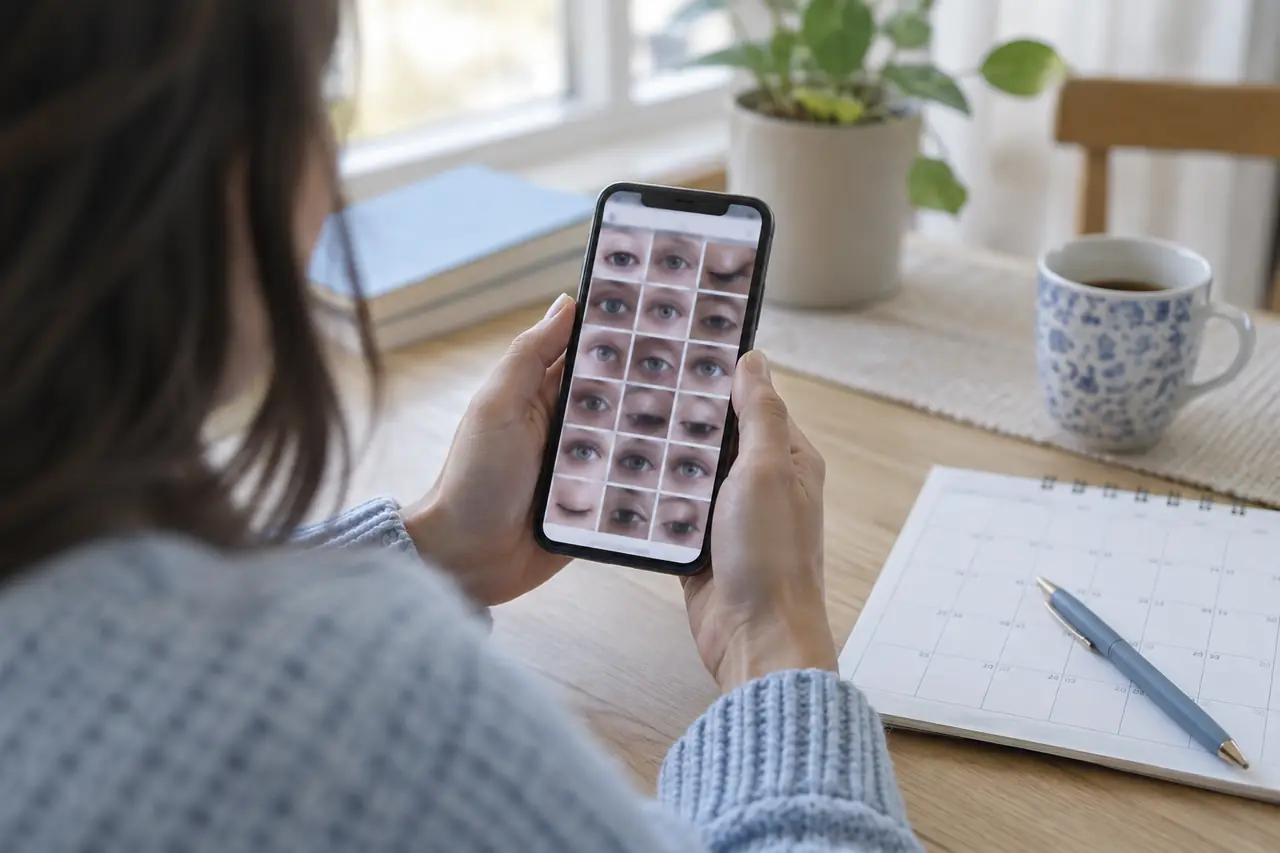
A photo is most useful to your eye doctor when they can see when it was taken and what it is next to. Ten eye photos scattered through a camera roll, between screenshots and holiday pictures, are hard to show in a short appointment. The same photos in one album, in date order, with a line of context, take seconds.
None of this needs a paid app. Here is how to do it with the phone you already have.
For taking the photos themselves, see how to take consistent eye photos at home and why eye photos look different day to day. For children, see photographing your child's eyes, and for one eyelid that sits lower, what to record for a drooping eyelid. To write down symptoms alongside, the eye symptom journal template has columns you can copy.
Why the date matters
Eye clinics photograph eyes the same way from one visit to the next so that images can be compared. Michigan Medicine describes standard protocols that keep images consistent between visits for that reason. At home you can't match a clinic camera, but you can keep the two things that make photos comparable: the same way of taking them, and a reliable date on each one.
1. Take the same views each time
University of Iowa Health Care, in its advice for patients sending eye images, calls a straight-on photo required, and other directions (looking up, down, left, right or eyes closed) optional. It also notes that only focused images are helpful. Pick your views once and take the same ones every time.
- Same place, same light, same distance. Our guide to consistent eye photos covers the details.
- Check each photo is sharp before you put the phone down. Take another if it's blurred.
- If something only shows up at certain times, such as in the evening, take the photo then, and note the time.
2. Keep them in one album
Make one album, for example "Eyes", and add each photo to it straight after you take it. An album keeps them together in date order, and you can open it at the appointment without scrolling. Albums in your phone's photo app are private to you unless you choose to share them.
3. Check the date in each photo's details
Your phone saves the date and time a photo was taken. Apple's iPhone guide explains how to view this information for any photo: open it and swipe up, or tap the info button. Most Android gallery apps have a similar details view. Check it once, especially for photos you received from someone else or saved from a message, since copies don't always keep the original date.
4. Add a one-line note
A photo shows how your eye looked, not what was going on. Add a short caption, or keep a matching line in a notebook: the time of day, how your eyes felt, and anything different (after drops, wearing contact lenses, after a short night). If you keep a symptom diary, put the photo's date in the same row.
5. Prepare a few photos for the visit
- Choose the photos that show what you want to ask about, plus one from a day when your eyes felt normal, if you have one.
- Keep them in date order and know which is which before you go in.
- Write your question next to them. The National Eye Institute suggests making a list of your questions before a visit.
- Ask how the clinic prefers to receive photos. University of Iowa Health Care notes that the clinic will ask for specific images if they need them.
A camera roll or an eye photo journal
- Free and already on your phone
- Dates are saved, but notes are up to you
- Eye photos mix with everything else unless you use an album
- Guided framing for the same views each time
- Each photo dated, next to that day's notes
- Kept apart from your other photos
The Ocufuse eye photo journal is free with an account: guided framing, each photo dated next to how your eyes felt that day, and private to your account. The free plan shows your last 14 days; your full history, side-by-side comparisons and the Doctor Brief are part of Ocufuse Plus. Ocufuse doesn't measure, score or judge your photos. They're for you and your eye doctor to look at together.
Read more by topic
Common questions
Can I keep eye photos for free?
Yes. Your phone's own photo app is enough: one album, the date in each photo's details and a short note. The Ocufuse eye photo journal also keeps photos for free with an account, showing your last 14 days; side-by-side comparisons and your full history are part of Ocufuse Plus.
How do I see the date a photo was taken?
On an iPhone, open the photo and swipe up or tap the info button to see its details, including the date and time. Most Android gallery apps have a similar details view.
Which views should I take?
A straight-on photo is the one to always take. University of Iowa Health Care calls the straight-on image required and other directions, such as looking up, down or with eyes closed, optional extras.
Should I send photos to my eye doctor before the visit?
Only if the clinic asks for them, and in the way they ask. University of Iowa Health Care notes that the clinic will ask for specific images if they need them.
Sources
End of article